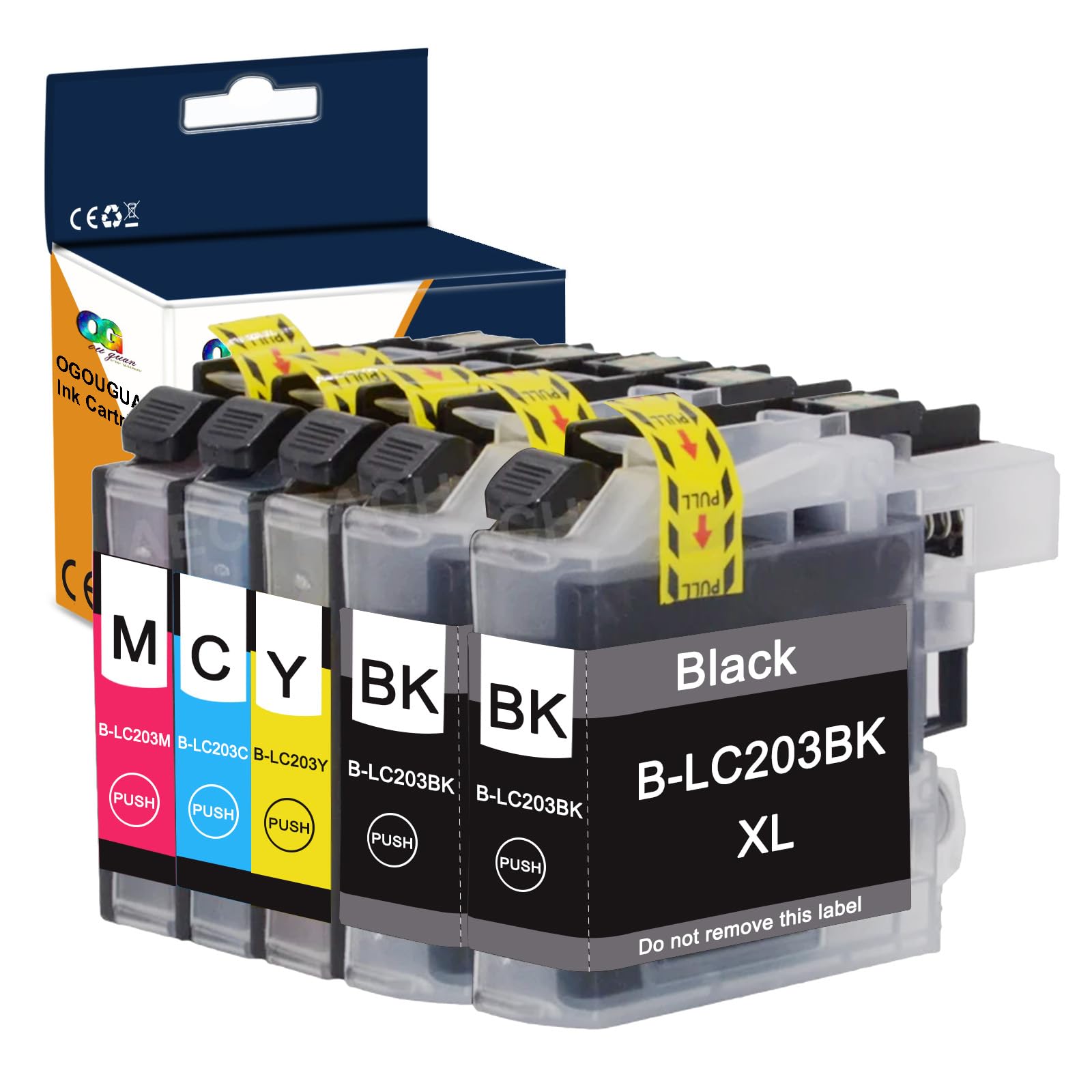
Compatible Ink Cartridge Replacement for Brother LC203XL LC201XL LC203 LC201 to use with MFC-J480DW MFC-J880DW MFC-J4420DW MFC-J680DW MFC-J885DW (2
$10.86
| Brand | Ouguan Ink |
| Merchant | Amazon |
| Category | Office Supplies |
| Availability | In Stock |
| SKU | B01KLOSHF4 |
| Color | Black, Cyan, Magenta, Yellow |
| Size | xl |
| Age Group | ADULT |
| Condition | NEW |
| Gender | UNISEX |
About this item
Compatible Ink Cartridge Replacement for Brother LC203XL LC201XL LC203 LC201 to use with MFC-J480DW MFC-J880DW MFC-J4420DW MFC-J680DW MFC-J885DW (2
Product Name: Compatible ink cartridges replacement for Brother LC203XL LC203 XL Package Contents: 2 x Black LC203XL, 1 x Cyan LC203XL, 1 x Magenta LC203XL, 1 x Yellow LC203XL (Total 5 Pack) Page Yield: Black is 550 pages per cartridge and Color is 550 Pages per cartridge at 5% coverage Printer Compatible Use for Brother MFC-4320DW MFC-J4420DW MFC-J4620DW MFC-J460DW MFC-J480DW MFC-J485DW MFC-J5520DW MFC-J5620DW MFC-J5720DW MFC-J680DW MFC-J880DW MFC-J885DW Inkjet Printer Easy to install: 1. Remove the "PULL" label when installing the ink cartridge in the printer. Do not scratch the chip. 2. Install the new ink cartridge in the slot. 3. Close the scanning cover and start printing.
PACKAGE CONTENTS:
2 x Black LC203XL LC201XL LC203 LC201
1 x Cyan LC203XL LC201XL LC203 LC201
1 x Magenta LC203XL LC201XL LC203 LC201
1 x Yellow LC203XL LC201XL LC203 LC201
Compatible With Printers:
For Brother MFC-4320DW MFC-J4420DW MFC-J4620DW MFC-J460DW MFC-J480DW MFC-J485DW MFC-J5520DW MFC-J5620DW MFC-J5720DW MFC-J680DW MFC-J880DW MFC-J885DW Inkjet Printer
Easy to install:
1. Remove the "PULL" label when installing the ink cartridge in the printer. Do not scratch the chip. 2. Install the new ink cartridge in the slot. 3. Close the scanning cover and start printing.
-----------------------------------------------------------------------------------
Ignore common problems with compatible ink cartridges Click ""yes"" to continue printing
When prompted for non-genuine ink cartridges
When the printer displays ""Non-genuine ink cartridges installed"" or ""Used or counterfeit ink cartridges detected"", just press the ""OK"" or ""Continue"" button to continue printing.
The printer issues a yellow warning message, follow these steps:
1) Remove the ink cartridge and clean the chip with an eraser.
2) Repeat the installation 2-3 times.
| Brand | Ouguan Ink |
| Merchant | Amazon |
| Category | Office Supplies |
| Availability | In Stock |
| SKU | B01KLOSHF4 |
| Color | Black, Cyan, Magenta, Yellow |
| Size | xl |
| Age Group | ADULT |
| Condition | NEW |
| Gender | UNISEX |
Similar Products


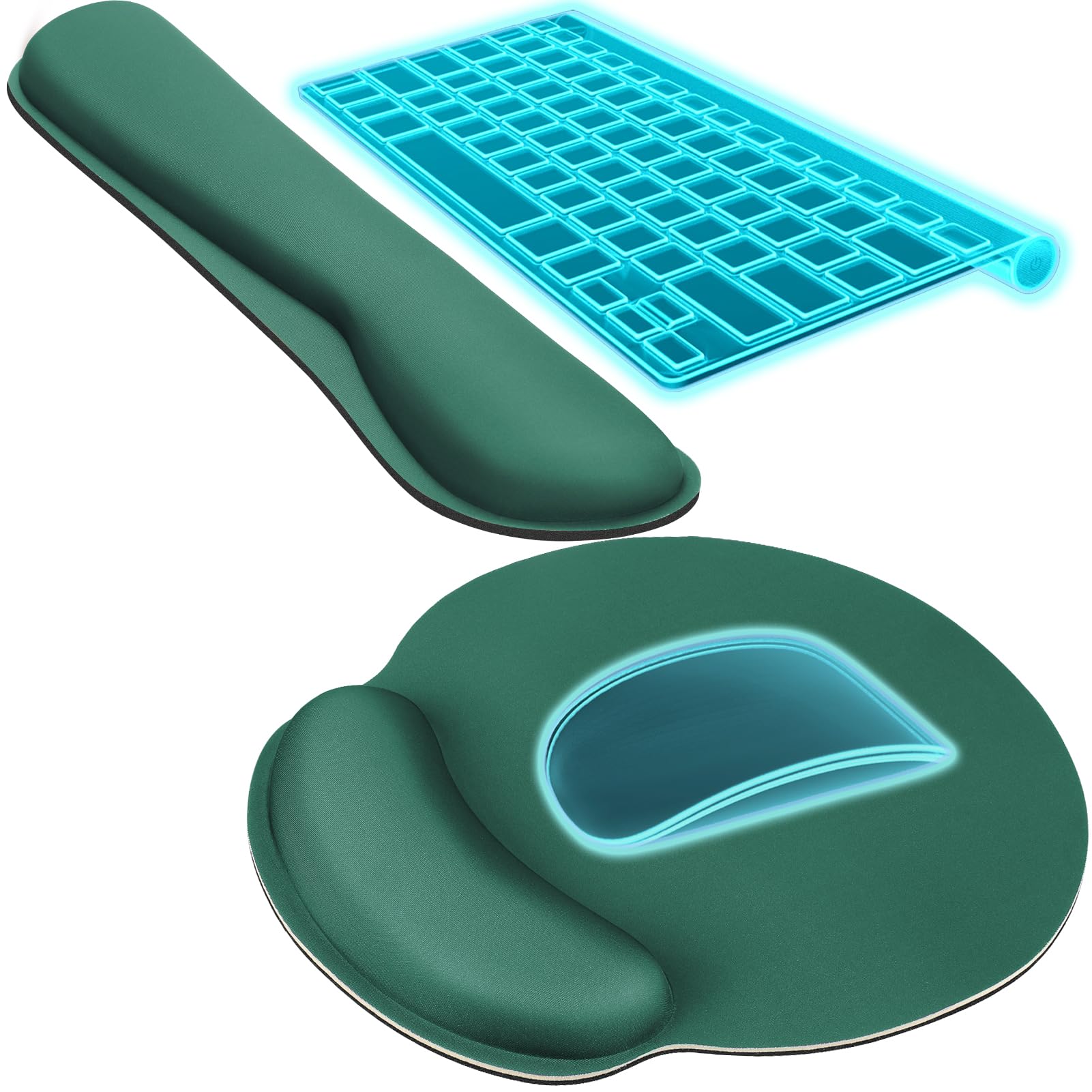





Compare with similar items
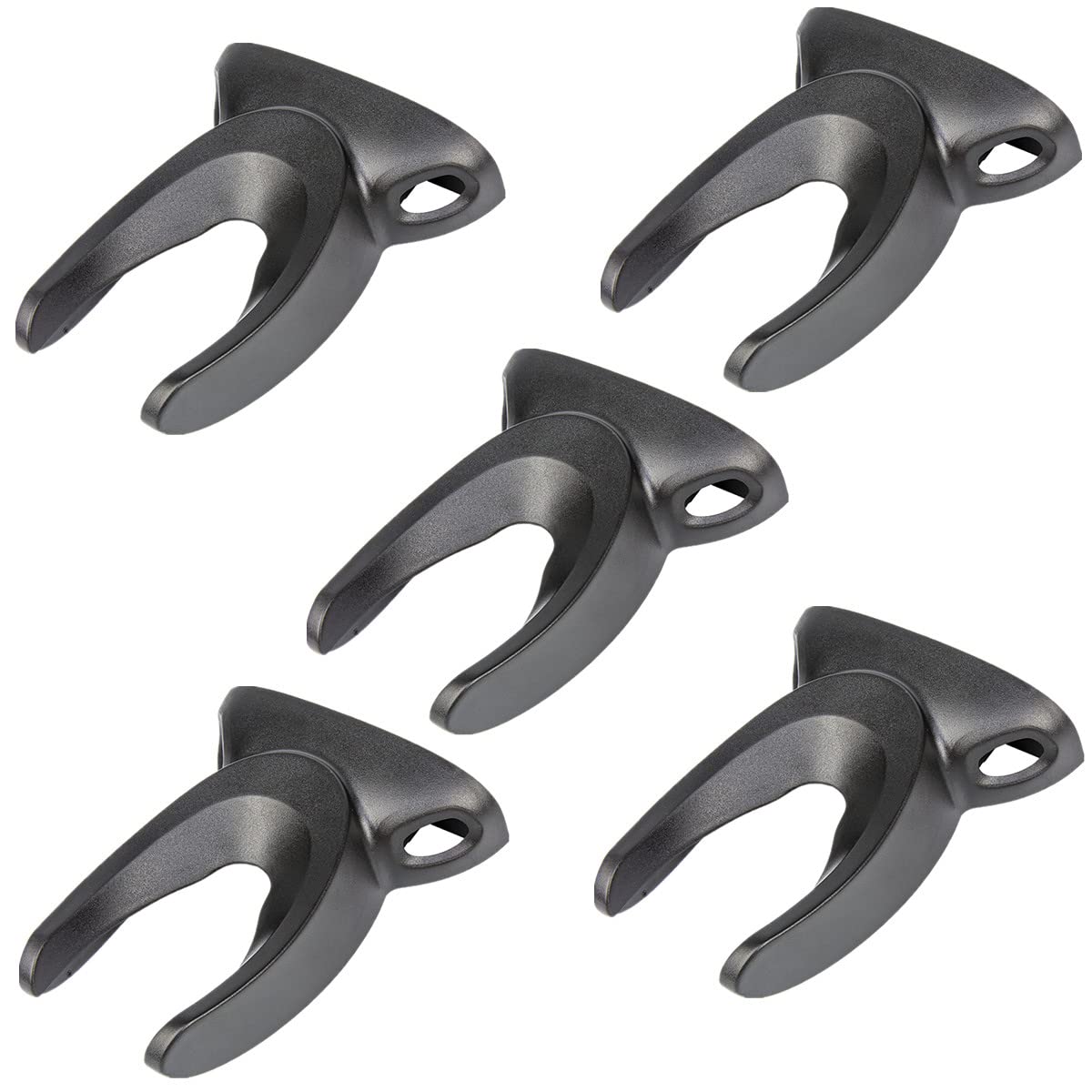
VENREA Universal Barcode Scanner Holder,... |
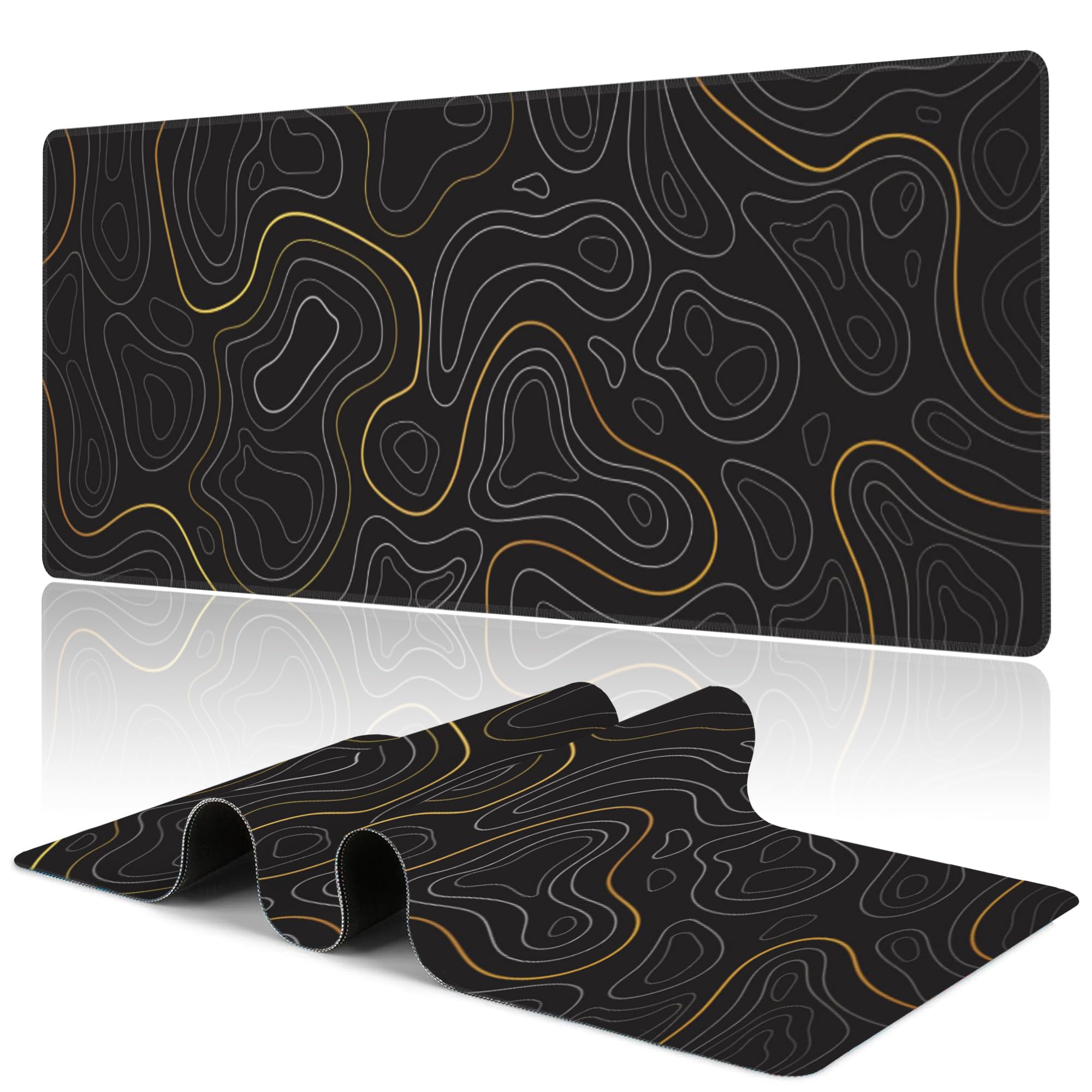
Uiaoiais Black Topographic Mountain Gami... |

We Accept Debit Credit Label Vinyl Decal... |
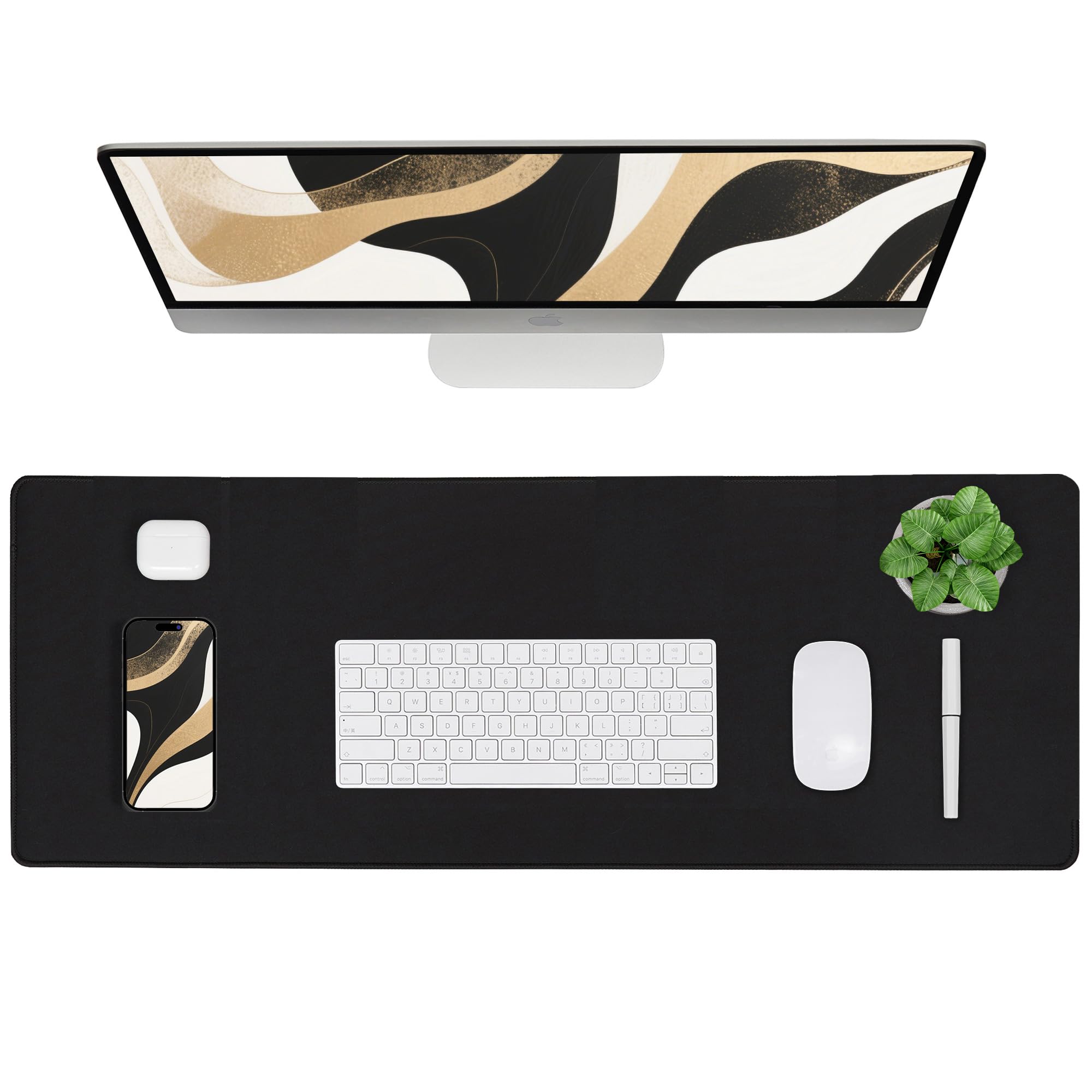
ALOANES Black Waterproof Desk Mat, Large... |
|
|---|---|---|---|---|
| Price | $49.99 | $17.99 | $8.95 | $17.99 |
| Brand | VENREA | Uiaoiais | Luna Distributing | ALOANES |
| Merchant | Amazon | Amazon | Amazon | Amazon |
| Availability | In Stock | Available Date | In Stock | In Stock |