
JJC Wireless Intervalometer Timer Remote Control Shutter Release for Nikon D750 D780 Z7II Z7 Z6III II Z6 Z5 D7500 D7200 D7100 D7000 P1100 P1000 D5600
$45.99
| Brand | JJC |
| Merchant | Amazon |
| Category | Cameras & Optics |
| Availability | In Stock Scarce |
| SKU | B07X868P1H |
| Size | For Nikon MC-DC2 |
| Age Group | ADULT |
| Condition | NEW |
| Gender | UNISEX |
| Google Product Category | Cameras & Optics |
| Product Type | Electronics > Camera & Photo > Accessories > Remote Controls |
About this item
JJC Wireless Intervalometer Timer Remote Control Shutter Release for Nikon D750 D780 Z7II Z7 Z6III II Z6 Z5 D7500 D7200 D7100 D7000 P1100 P1000 D5600
2 in 1 wired and wireless intervalometer, function both wired or wirelessly to better fit your particular setup Features specialized functionality such as self-timer, continuous shooting timer, long exposures timer, interval shooting timer and number of shoots timer Features a 2.4 GHz frequency along with a 328ft/100m range for maximum versatility and reliability Multiple time settings can be accessed from the transmitter's backlit LCD screen, such as the ability to set a number of shots from 1-999 or to infinitely take photos. The duration of an exposure can also be set all the way up to 99 hours 59 minutes and 59 seconds in one-second increments It is compatible with Select Nikon cameras: Nikon Z7II/Z7/Z6III/Z6II/Z6/Z5/D90/D600/D610/D750/D780/D3100/D3200/D3300/D5000/D5100/D5200/D5300/D5500/D5600/D7000/D7100/D7200/D7500/Df/Coolpix P7700/Coolpix P7800/Coolpix P1000/Coolpix P1100 Helpful tips to use this remote: 1. Single shoot (wired/wireless): Press the shutter button halfway to focus and press full to trigger shutter 2. Self-timer (wired/wireless): Set the [DE] to the time you want to delay and press the [Start] button 3. Continuous shoot timer (set camera to continuous shoot mode) (wired): Full press the shutter button and slide it up to lock it for continuous shoot (wired/wireless): Set the [BU] to the time you want and press the [Start] button, if set 5s, the camera will keep continuous shoot within 5s 4. Long exposures timer (set camera's shutter speed to Bulb mode) (wired): Full press the shutter button and slide it up to lock it for long exposures. (wired/wireless): Set the [BU] to the time you want and press the [Start] button, if set 8s, the camera will keep shutter exposure for 8s 5. Interval timer and number of shoots (wired/wireless): Set the [INT] to the time you want and set the [N] to the numbers you want, if set 3s for the [INT] and 5 for the [N], the camera will take 5 pictures and the interval time between each is 3s QA: I need 50 pictures, the exposure time for each picture is 10s, and the interval time between each picture is 5s, how set? Re: (Camera in Bulb mode) Set the [BU] to 10s and [INT] to 15s, then set the [N] to 50 and press the [Start] button. Why the [INT] needs to be set 15s instead of 5s as you wanted the interval to be 5s, as in the default programs of this remote, the interval time includes the exposure time. So the 15s of [INT] minus the 10s of [BU] results in 5s real interval time between each picture.
| Brand | JJC |
| Merchant | Amazon |
| Category | Cameras & Optics |
| Availability | In Stock Scarce |
| SKU | B07X868P1H |
| Size | For Nikon MC-DC2 |
| Age Group | ADULT |
| Condition | NEW |
| Gender | UNISEX |
| Google Product Category | Cameras & Optics |
| Product Type | Electronics > Camera & Photo > Accessories > Remote Controls |
Similar Products







Compare with similar items

Leyiyi 10x8ft Green Vintage Room Inside ... |

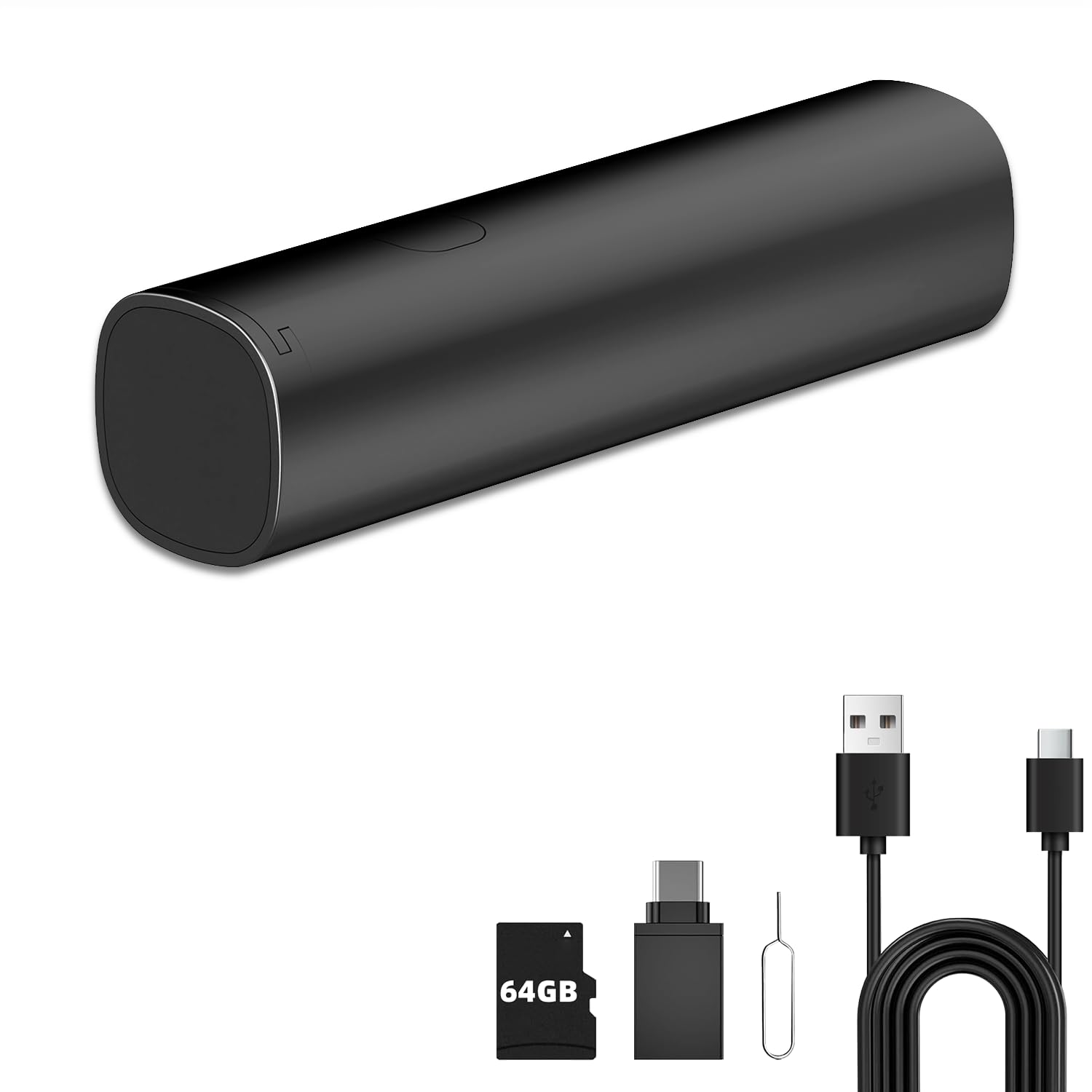
New Mini Hidden Wireless WiFi Camera HD ... |
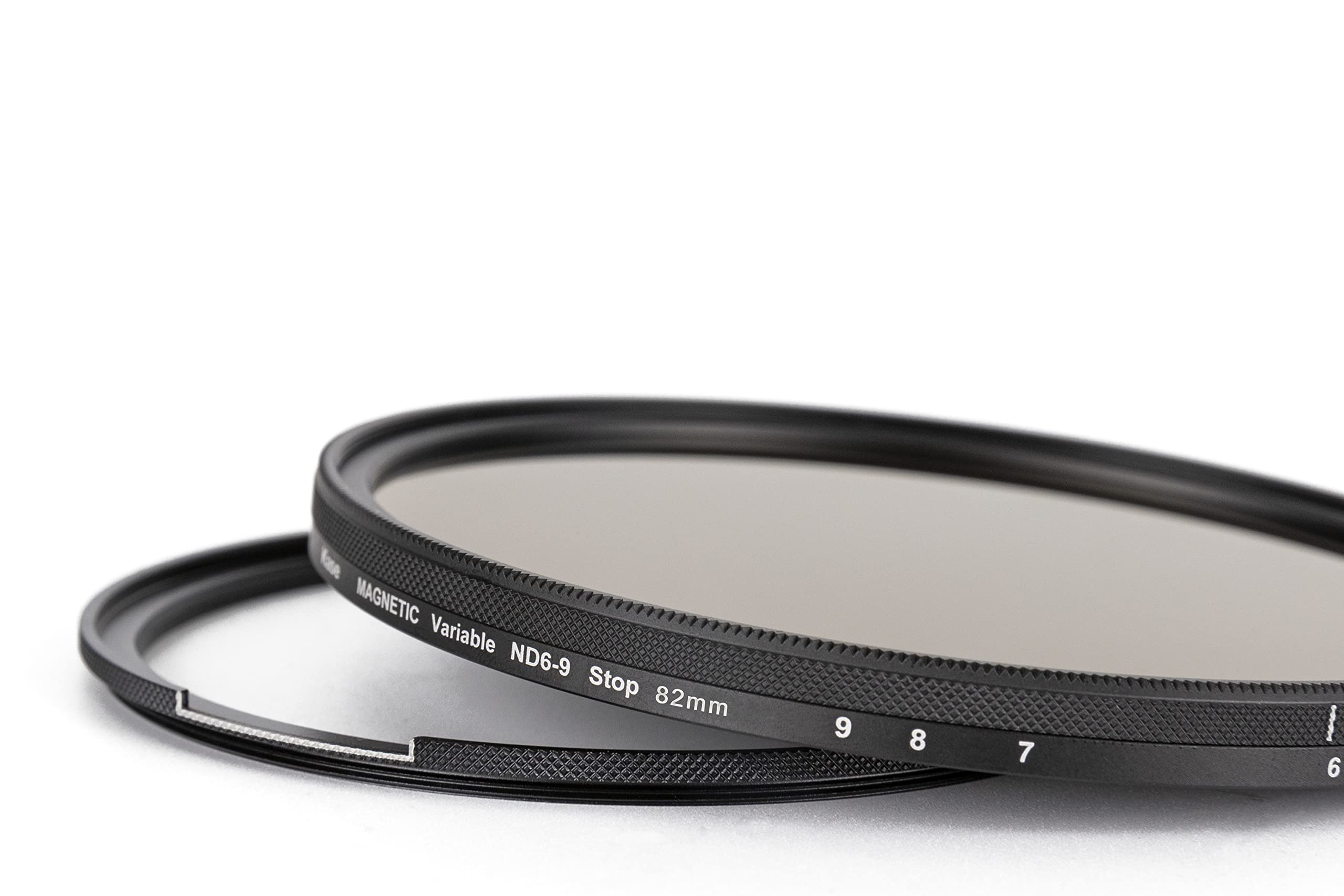
Kase Wolverine Magnetic 82mm 2nd Generat... |

ZAGG MacBook Protection MacBook Pro 13" ... |
|
|---|---|---|---|---|
| Price | $39.99 | $29.99 | $158.78 | $39.99 |
| Brand | Leyiyi | FDM Retail | Kase | ZAGG |
| Merchant | Amazon | Amazon | Amazon | Amazon |
| Availability | In Stock Scarce | In Stock Scarce | In Stock Scarce | In Stock Scarce |