

PS2 to HDMI Converter (with Ypbpr HD Signal 100% Enhance Video Quality) Compatible with PS 2/ PS 3 Convert PS2 to HDMI Signal of Modern HDTV/Monitor/
$34.99
| Brand | Y.D.F |
| Merchant | Amazon |
| Category | Electronics |
| Availability | Available Date |
| SKU | B0822GP37V |
| Color | PS2 to HDMI YPbPr |
| Age Group | ADULT |
| Condition | NEW |
| Gender | UNISEX |
| Google Product Category | Electronics |
| Product Type | Video Games > Legacy Systems > PlayStation Systems > PlayStation 2 > Accessories |
About this item
PS2 to HDMI Converter (with Ypbpr HD Signal 100% Enhance Video Quality) Compatible with PS 2/ PS 3 Convert PS2 to HDMI Signal of Modern HDTV/Monitor/
PS2 Adapter: Convert PS2 / PS3 to HDMI signal of modern HDTV / monitor / projector via Ypbpr signal. NOTE:Only support converting Y Pb Pr Y Cb Cr signal(not support CVBS) to HDMI. Must set PS2 to Y Pb Pr Y Cb Cr output before using, or you will see out of range. PS2 Converter: high definition output No Transmission Loss. PS2 to HDMI Adapter: Supports All PS2 Display Modes --480i, 576i, 480p, No setup required YPbPr signal mode display. No need to install drivers, Plug and Play, Requires power connection (Package includes power adapter) PS2 to HDMI Converter
PS2 to HDMI converter is a must have if you want to keep using your older devices with your new smart modern HD TV/ HDMI monitor.
Provide advanced signal processing with great precision, colors, resolutions and details. restore original game screen. No need to install drivers, plug and play.
Support HDMI 1080/ 720p output.
Support NTSC3.58, NTSC4.43 standard TV formats input.
The initial screen is 16:9, which can be adjusted to 4:3 according to your needs (note that it depends on whether your TV can be adjusted)
PS2 Connection:
1. Plug the end of Converter cables into your source Device PS2 output .
2. Use HDMI cable to connect display, TV or other display devices.
3. Power the Converter via USB cable. Note: PS2 to hdmi has OFF / ON switch. Please turn on the switch when using.
4.Please set the output of the game console to "Y Cb / Pb Cr / Pr" (no signal in other formats)
TV needs to be set to HDMI input
PS3 to HDMI Connection:
If the PS3 HDMI port is not available, you can use this converter to connect
It is necessary to set the output mode of PS3. Press and hold the power button to the “di” sound.
How to set your PS2 YPbPr output:
Select the corresponding hdmi interface on the TV.
Then you need to adjust your PS2 output to YPbPr mode. (Setting method: boot into the Seven Stars screen without placing the disk, press the direction down and then press the X button, after entering, press the three bottom up or down to find the image output, and then select YPbPr.)
NOTE:
Video signal transfer only, can't improve the video quality.
Only converts PS2/3 to HDMI, Other game consoles is not supported.
Package Contents
1 x PS2 to HDMI Converter
1 x HDMI Cable
1 x USB Cable
1 x Power Adapter
1 x User Manual
| Brand | Y.D.F |
| Merchant | Amazon |
| Category | Electronics |
| Availability | Available Date |
| SKU | B0822GP37V |
| Color | PS2 to HDMI YPbPr |
| Age Group | ADULT |
| Condition | NEW |
| Gender | UNISEX |
| Google Product Category | Electronics |
| Product Type | Video Games > Legacy Systems > PlayStation Systems > PlayStation 2 > Accessories |
Similar Products




Compare with similar items
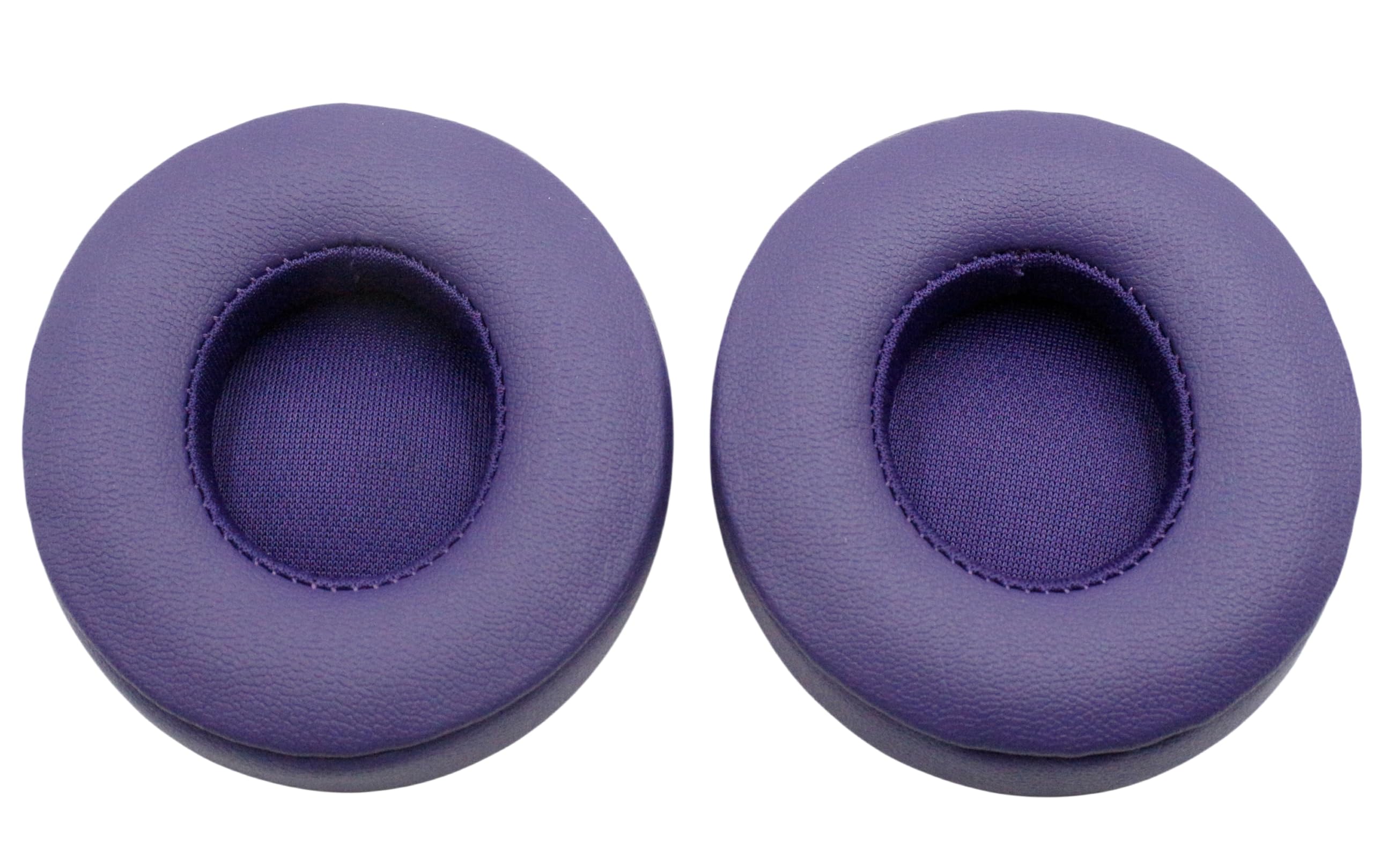
Solo2/Solo 3 Ear Pads Replacement,Compat... |

XTRONS 14.9 Inch Android 14 Car Stereo f... |
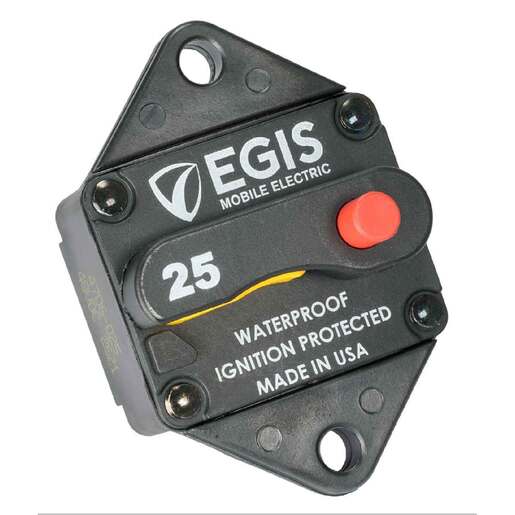
Egis Panel Mount Circuit Breaker Marine ... |

Bluetooth Headset, Wireless Headphones w... |
|
|---|---|---|---|---|
| Price | $6.99 | $539.89 | $33.99 | $59.99 |
| Brand | Xinyuekj | XTRONS | Egis Mobile Electric | Hoyzzem |
| Merchant | Amazon | Amazon | sportsmanswarehouse | Amazon |
| Availability | In Stock | In Stock Scarce | In Stock | In Stock |