
Keyboard Case for 9.7 Inch iPad 6th Generation 2018/5th Gen 2017/iPad Pro 9.7/ iPad Air 2/ iPad Air 1- Slim Case with Cute Color Keyboard Detachable
$35.90
| Brand | YEEHi |
| Merchant | Amazon |
| Category | Computers |
| Availability | In Stock |
| SKU | B09FZ4G8Y6 |
| Color | Pink |
| Size | iPad6/iPad/5/Air/Air2/Pro9.7 |
| Age Group | ADULT |
| Condition | NEW |
| Gender | UNISEX |
| Material | Thermoplastic Polyurethane |
| Google Product Category | Electronics > Computers |
| Product Type | Electronics > Computers & Accessories > Tablet Accessories > Bags, Cases & Sleeves > Keyboard Cases |
About this item
Keyboard Case for 9.7 Inch iPad 6th Generation 2018/5th Gen 2017/iPad Pro 9.7/ iPad Air 2/ iPad Air 1- Slim Case with Cute Color Keyboard Detachable
🌸 Compatible Models:Compatible with iPad 6th Gen 9.7 Inch 2018 Released Model Numbers (on the back cover):A1893 A1954 , iPad 5th Gen 9.7 Inch Model Numbers:A1822 A1823 , iPad Air 2 Model Numbers:A1566 A1567 , iPad Pro (9.7-inch) Model number (on the back cover):A1673 A1674 A1675 , iPad Air Late 2013 and early 2014 Model number (on the back cover):A1474 A1475 A1476 🌸 Detachable Bluetooth keyboard: new design in 2021, colorful buttons are very cute and stylish, make your iPad more colorful, and make your work and study happier , The magnetic separate keyboard is suitable for 3 systems of Windows・Android・iOS, Not only can be used with iPad, It can also be used with other tablet computers and mobile phones. 🌸 Soft TPU back cover :The soft TPU back cover adopts non-slip design, Easy to install, Can support the tablet at multiple angles . Outside is a softer material ,Give you a very comfortable feel ! 🌸 Built-in Pencil Holder :The protective case comes with pencil holder ,It is convenient to keep your Pen together, don’t worry about losing it. How to connect this Bluetooth keyboard to iPad :
1: turn on the power button of the keyboard.
(The power indicator will go out after flashing. This is to save power, not fault)
2:Long press the "Connect" button next to the power button until the Bluetooth indicator flashes
This turns on the Bluetooth of the keyboard 。
3:From the iPad’s home screen, tap Settings. Tap on Bluetooth.
Make sure Bluetooth is set to On, then let it search for devices.
Tap on a Bluetooth keyboard, when it appears, to pair.
4:if an authentication (PIN) code appears on the iPad screen,
Enter the number with the keyboard and press“Enter” key .
5:When the connection is complete, the Bluetooth indicator will go out,
6:This is a 3-system keyboard,
If you are using this keyboard on your iPad,
Please press “FN” key first, don't release it, then press “E” key,
This is a system for the iPad
| Brand | YEEHi |
| Merchant | Amazon |
| Category | Computers |
| Availability | In Stock |
| SKU | B09FZ4G8Y6 |
| Color | Pink |
| Size | iPad6/iPad/5/Air/Air2/Pro9.7 |
| Age Group | ADULT |
| Condition | NEW |
| Gender | UNISEX |
| Material | Thermoplastic Polyurethane |
| Google Product Category | Electronics > Computers |
| Product Type | Electronics > Computers & Accessories > Tablet Accessories > Bags, Cases & Sleeves > Keyboard Cases |
Similar Products


![ZZXX for iPhone 13 Mini Wallet Case with [RFID Blocking] Card Slot Stand Strong Magnetic Leather Flip Fold Protective Phone Case for iPhone 13 Mini](https://m.media-amazon.com/images/I/910aq1+GDbL.jpg)

Compare with similar items
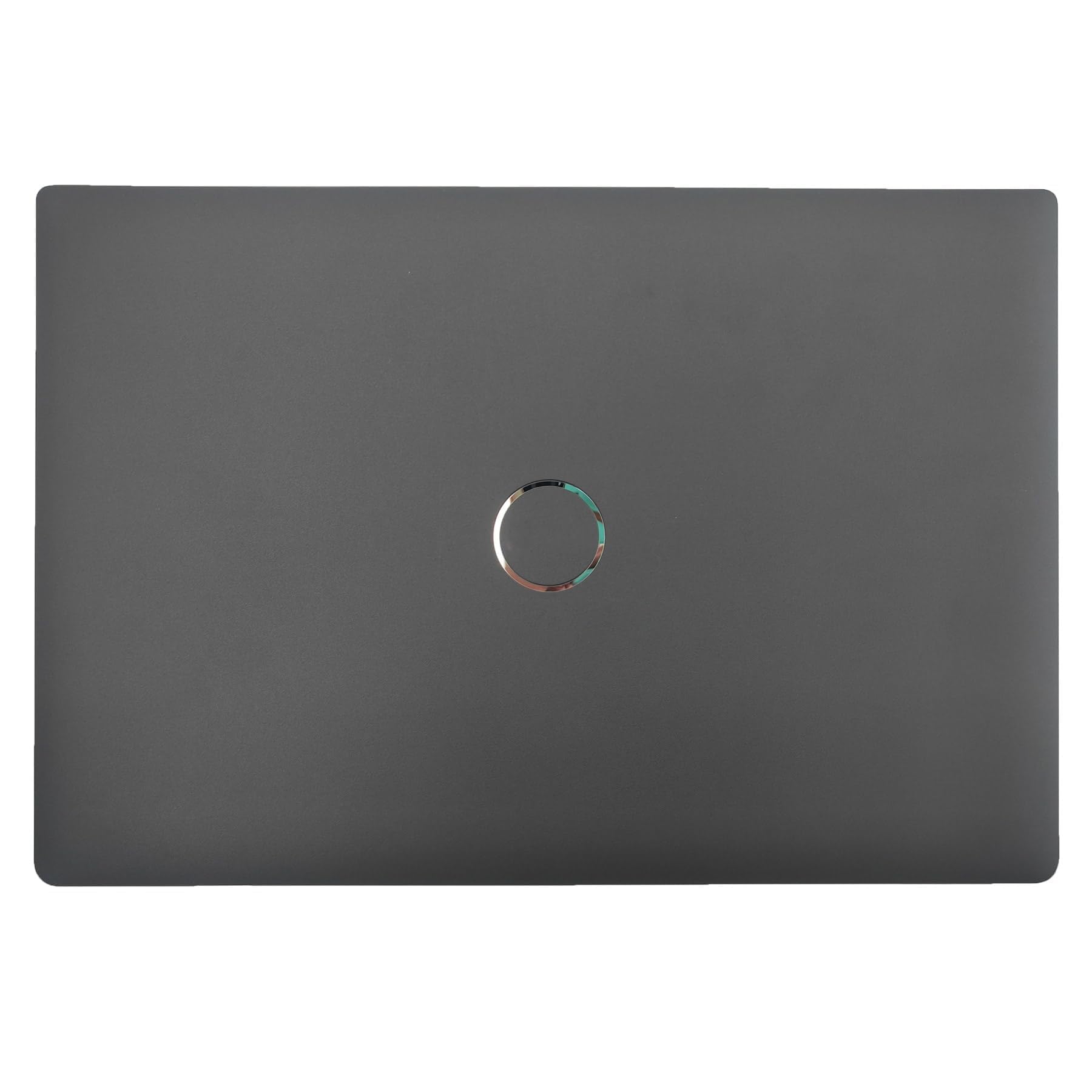
Jxjslp Replacement LCD Top Back Cover fo... |

GTSP 135-Key Japanese White keycaps 65 P... |

JAGTRADE Laptop Cooler USB Cooling Big F... |
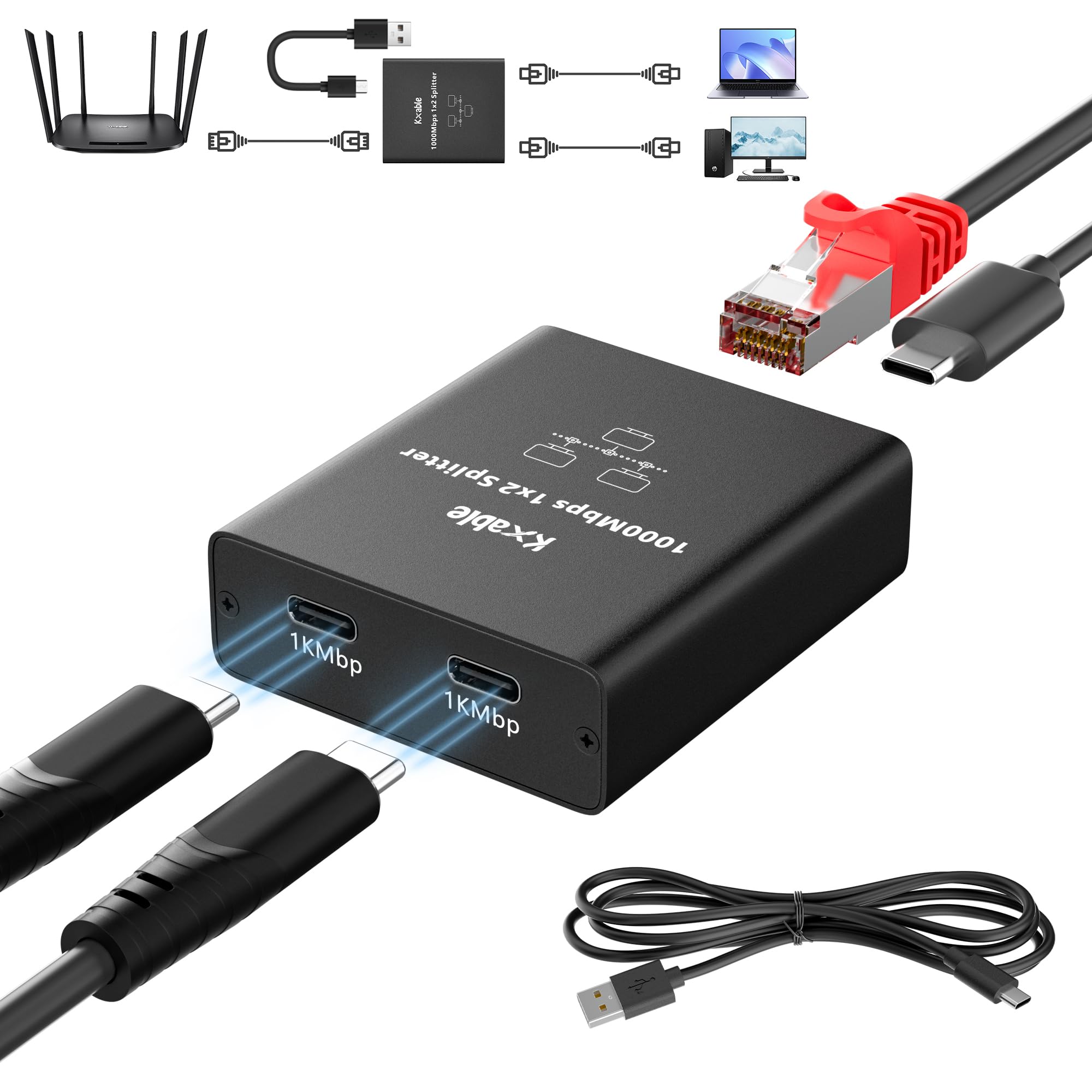
Ethernet Splitter 1 to 2 Out (Double USB... |
|
|---|---|---|---|---|
| Price | $26.98 | $26.99 | $11.27 | $19.99 |
| Brand | Jxjslp | Guffercty kred | JAGTRADE | Kxable |
| Merchant | Amazon | Amazon | Amazon | Amazon |
| Availability | In Stock | In Stock | In Stock | In Stock |