

P3700 Replacement Voice Remote Control fit for NVIDIA Android TV Pro 2015 2017 2019,with Motion-Activated,Customizable Menu Buttons sub P2575 p2897
$15.95
| Brand | PERFASCIN |
| Merchant | Amazon |
| Category | Electronics |
| Availability | In Stock |
| SKU | B09LCSXVX3 |
| Color | Black |
| Age Group | ADULT |
| Condition | NEW |
| Gender | UNISEX |
| Google Product Category | Electronics |
| Product Type | Electronics > Television & Video > Accessories > Remote Controls |
About this item
P3700 Replacement Voice Remote Control fit for NVIDIA Android TV Pro 2015 2017 2019,with Motion-Activated,Customizable Menu Buttons sub P2575 p2897
NEW P3700 Replacement Voice command Remote control fit for NVIDIA SHIELD Android TV This is Replacement Remote Control, with Motion-Activated,You can easy to control your tv via Voice Search, Customizable Menu Buttons, and IR Blaster. Simply pair method:1. Please insert two batteries. 2. Press and Hold BACK key and HOME key together for 3-5 seconds, the indicator light flashes and enters the pairing status after the pairing is successful, the indicatorlight will go out. 4.If pairing did not complete, clck pair manually. If the LED does not flash ,please charge 2pcs AAA new batteryes and try again. 5.Install two new AAA alkaline batteries NOTICE: if your remote has been paired to a different Shield device,press and hold Home and Back until the remote light flashes. (please remove the battery from your old remote when you pair a new remote) PERFASCIN P3700 New Replacement Voice search Remote Control fit for NVIDIA SHIELD Android TV Pro and fit for NVIDIA SHIELD Android TV
With movement activates,Customizable Menu Buttons and IR Function. Without backlight function
Model: P3700
We sold is REPLACED remote control.
If you have a old remote , please unpair your old remote and remove battery from your old remote
then unplug your device and plugback it,and try use this new remote again. You need to upgrade your
device to the latest SHIELD Experience.if still do not work, please contact us.
This remote control fit for below model:
1)fit for SHIELD TV 2015 models
2)fit for SHIELD TV 2017 models
3)fit for SHIELD TV 2019 models
4)fit for NVIDIA SHIELD Android TV 4K
5)fit for NVIDIA SHIELD Android TV Pro 4K
Please upgrade to the latest SHIELD Experience.
Voice search:
Press the microphone button to access the powerful Goog-le Assistant on Android TV. Search for new TV shows, movies, videos.
Use built-in infrared transmitter to control your home entertainment center. Control volume, power or input source.
Pairing Step:
1. Please insert two batteries.2. Press and Hold BACK key and HOME key together for 3-5 seconds, the indicator light flashes and enters the pairing status after the pairing is successful, the indicatorlight will go out.
3.If you are pairing a new remote , press and hold the Select button on your remote until the remote light flashes. if your remote has been paired to a different Shield device,press and hold Home and Back until the remote light flashes. (please remove the battery from your old remote when you pair a new remote)
4.If pairing did not complete, clck pair manually. If the LED does not flash ,please charge 2pcs AAA new batteryes and try again.
Package Content:
1X Remote Control
Power Supply:
2X 1.5V AAA Alkaline Battery(Not Included)
| Brand | PERFASCIN |
| Merchant | Amazon |
| Category | Electronics |
| Availability | In Stock |
| SKU | B09LCSXVX3 |
| Color | Black |
| Age Group | ADULT |
| Condition | NEW |
| Gender | UNISEX |
| Google Product Category | Electronics |
| Product Type | Electronics > Television & Video > Accessories > Remote Controls |
Similar Products




Compare with similar items
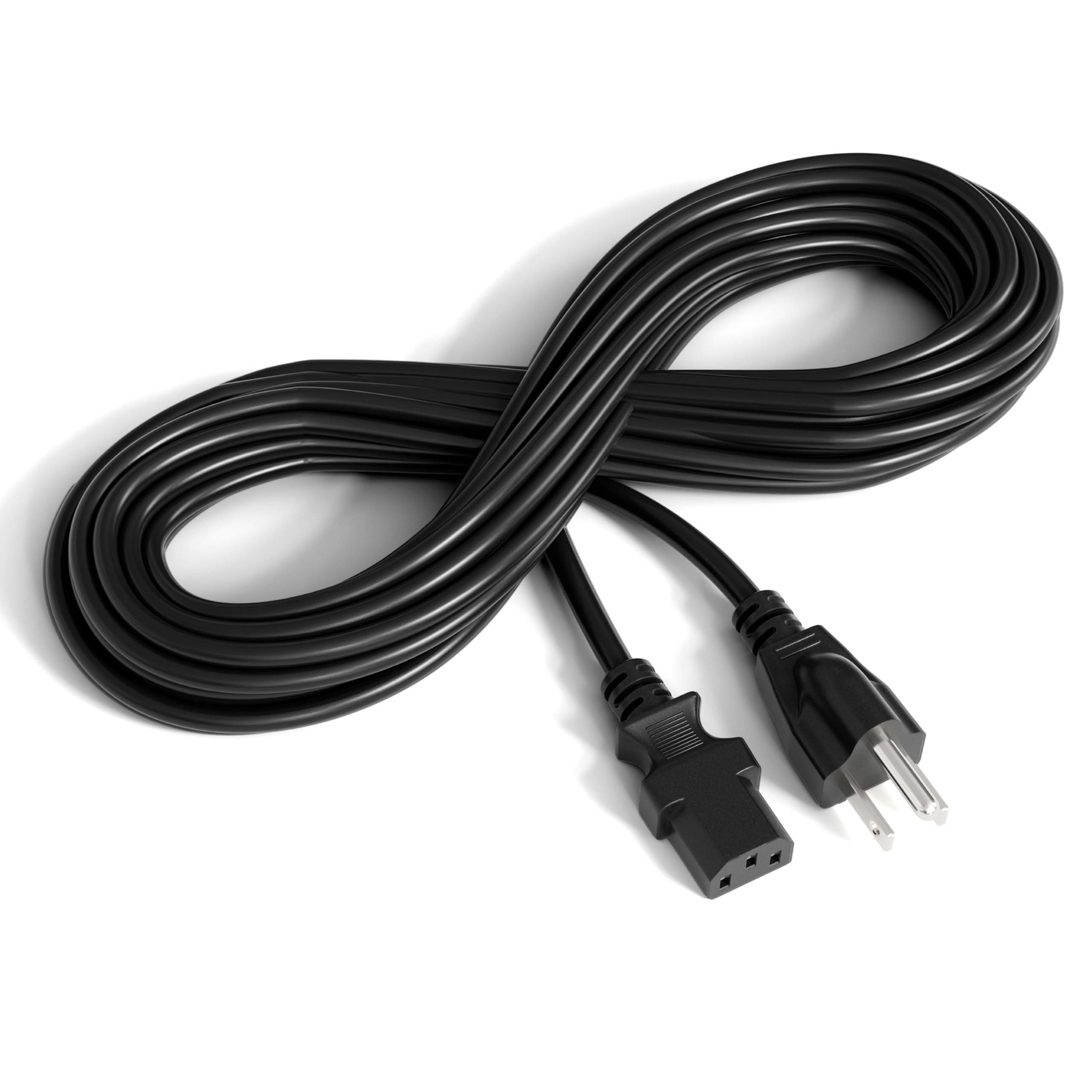
THE CIMPLE CO 6 Feet, Black - 3 Prong AC... |

PZL ERF6A80 Replacement Voice Backlit fo... |
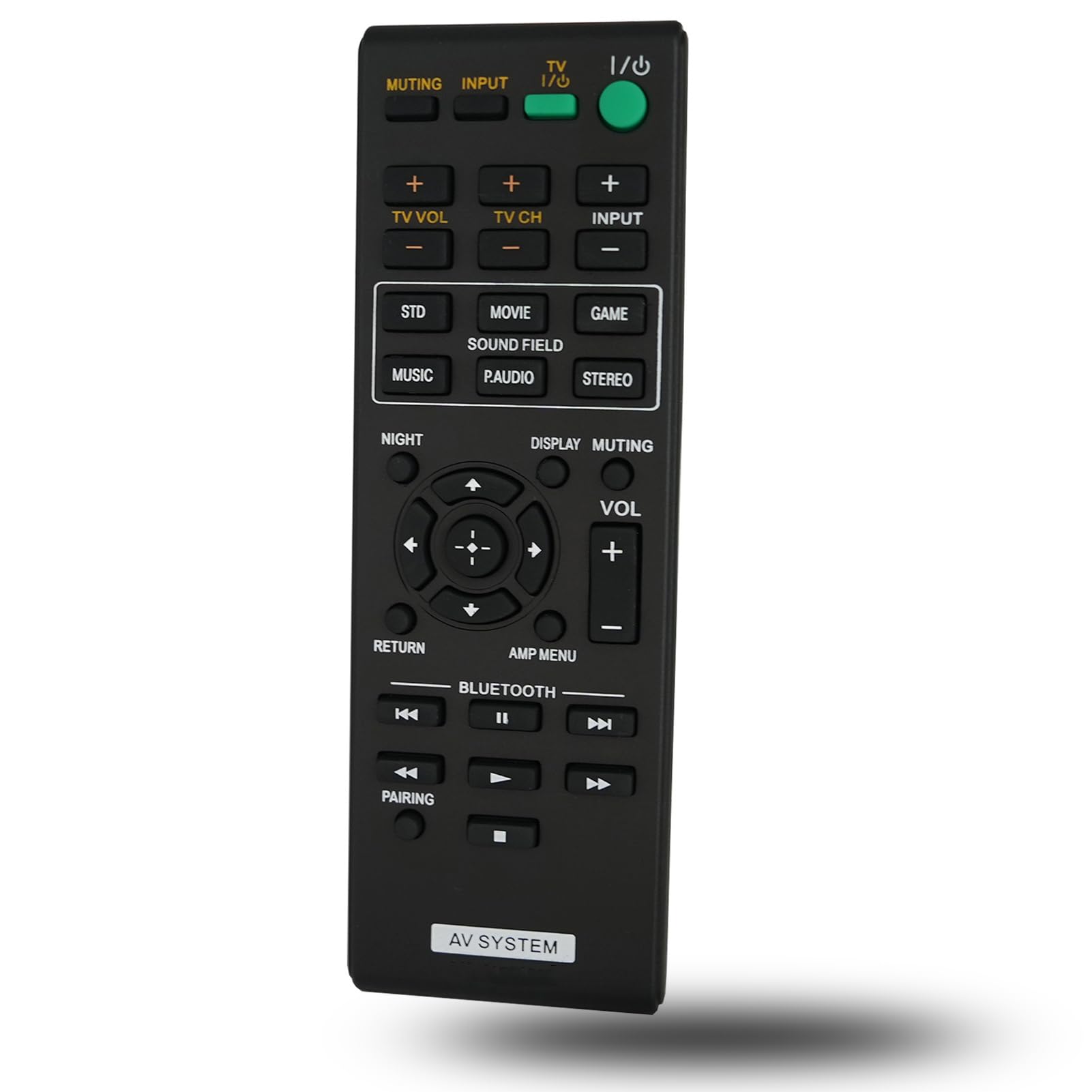
Replacement Remote Control fit for Sony ... |
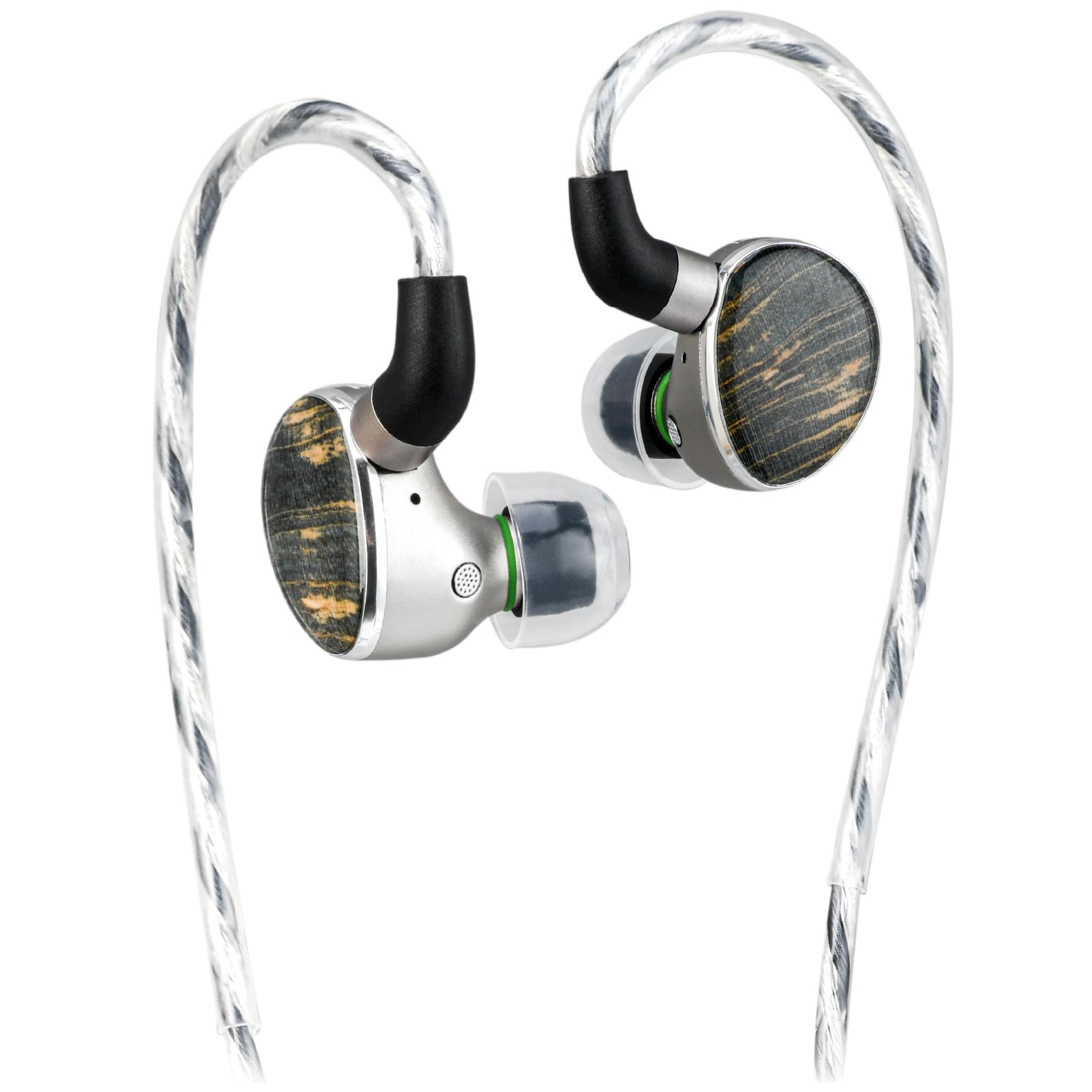
TINHIFI T6 HiFi in-Ear Monitor IEM, 1DD ... |
|
|---|---|---|---|---|
| Price | $10.38 | $15.99 | $10.95 | $105.00 |
| Brand | THE CIMPLE CO | PZL | Kassionel | TINHIFI |
| Merchant | Amazon | Amazon | Amazon | Amazon |
| Availability | In Stock Scarce | In Stock | In Stock Scarce | In Stock |