
iDPRT Portable-Printer Wireless for Travel, 300DPI Inkless-Thermal-Small-Printers for Home Use, Office, Vehicles, Mobile Bluetooth Printer Supports
$49.99
| Brand | iDPRT |
| Merchant | Amazon |
| Category | Office Supplies |
| Availability | In Stock |
| SKU | B0CXPVH459 |
| Color | Blue |
| Size | Small |
| Age Group | ADULT |
| Condition | NEW |
| Gender | UNISEX |
| Google Product Category | Office Supplies |
| Product Type | Office Products > Office Electronics > Printers & Accessories > Printers > Portable Thermal Printers |
About this item
iDPRT Portable-Printer Wireless for Travel, 300DPI Inkless-Thermal-Small-Printers for Home Use, Office, Vehicles, Mobile Bluetooth Printer Supports
ADVANCED INKLESS TECHNOLOGY: iDPRT MT890 portable A4 thermal printer uses the latest inkless printing technology; This technology achieves high-speed printing, it only takes 5-8 seconds to print an A4 paper without affecting the print quality INNOVATIVE BUILT-IN ROLL PAPER DESIGN: The printer is equipped with a more portable thermal roll paper; You can not only print on A4 size, but also print on any length as needed; MT890 provides a serrated tearing knife to help tearing off the paper FREE APP IS POWERFUl: iDPRT MT890 thermal printer supports Laptop Mac, Windows, Linux, Chrome os and mobile phone connection; and the "HerePrint" APP is free, it can provide a wealth of functions, allowing you to get a more creative printing experience EASY TO CONNECTION: Computer print you only need to connect the USB cable and go to the official website of iDPRT to download the corresponding printer driver to print, which is convenient and fast COMPACT AND PORTABLE: For a printers,12.4 x 4.8 x 2.7 inch is very lightweight and portable, it can be placed in a laptop briefcase, backpack or suitcase, especially suitable for traveling, working out, etc; Anytime and anywhere CELL PHONE START PRINT: Step 1: Download APP "HerePrint"; Step 2: Turn on the MT890 and make a Bluetooth connection in the APP; Step 3: Click the "+" sign to complete the device connection and select the file type to start print PC STARTS PRINTING: Step 1:Please download and install the MT890 driver from the iDPRT website; Step 2: Use the USB cable to connect the MT890 printer to your computer; Step 3: Select and open your document, and choose iDPRT MT890 in the printer list 1.[CELL PHONE START PRINTING] Step 1: Download APP "HerePrint".>>Step 2: Turn on the MT890, turn on the Bluetooth of the cell phone and make a Bluetooth connection in the APP.>>Step 3: Tap the + sign in the upper right corner of the APP to complete the Bluetooth connection, select the corresponding file type (Dcuments/Pictures/Webpages)to start printing. 2.[PC STARTS PRINTING] Step 1:Please download and install the MT890 driver from the iDPRT website.>>Step 2: Turn on the MT890, use the USB cable to connect the MT890 printer to your computer.>>Step 3: Select and open your document, and choose iDPRT MT890 in the printer list.
| Brand | iDPRT |
| Merchant | Amazon |
| Category | Office Supplies |
| Availability | In Stock |
| SKU | B0CXPVH459 |
| Color | Blue |
| Size | Small |
| Age Group | ADULT |
| Condition | NEW |
| Gender | UNISEX |
| Google Product Category | Office Supplies |
| Product Type | Office Products > Office Electronics > Printers & Accessories > Printers > Portable Thermal Printers |

![Soho Urban Artist Vine Charcoal - Drawing Charcoal for Artists, Students, Blending, Live Figure Drawing, & More! - [Black - Extra Soft - 4 Pack]](https://m.media-amazon.com/images/I/6101jBynfaL.jpg)



Compare with similar items

4x3 Name Tags Badge Holder with Lanyard ... |

Luapeton Desktop Bookshelf Mini Desk Boo... |

Corpkit Customized Thriftkit Corporate K... |
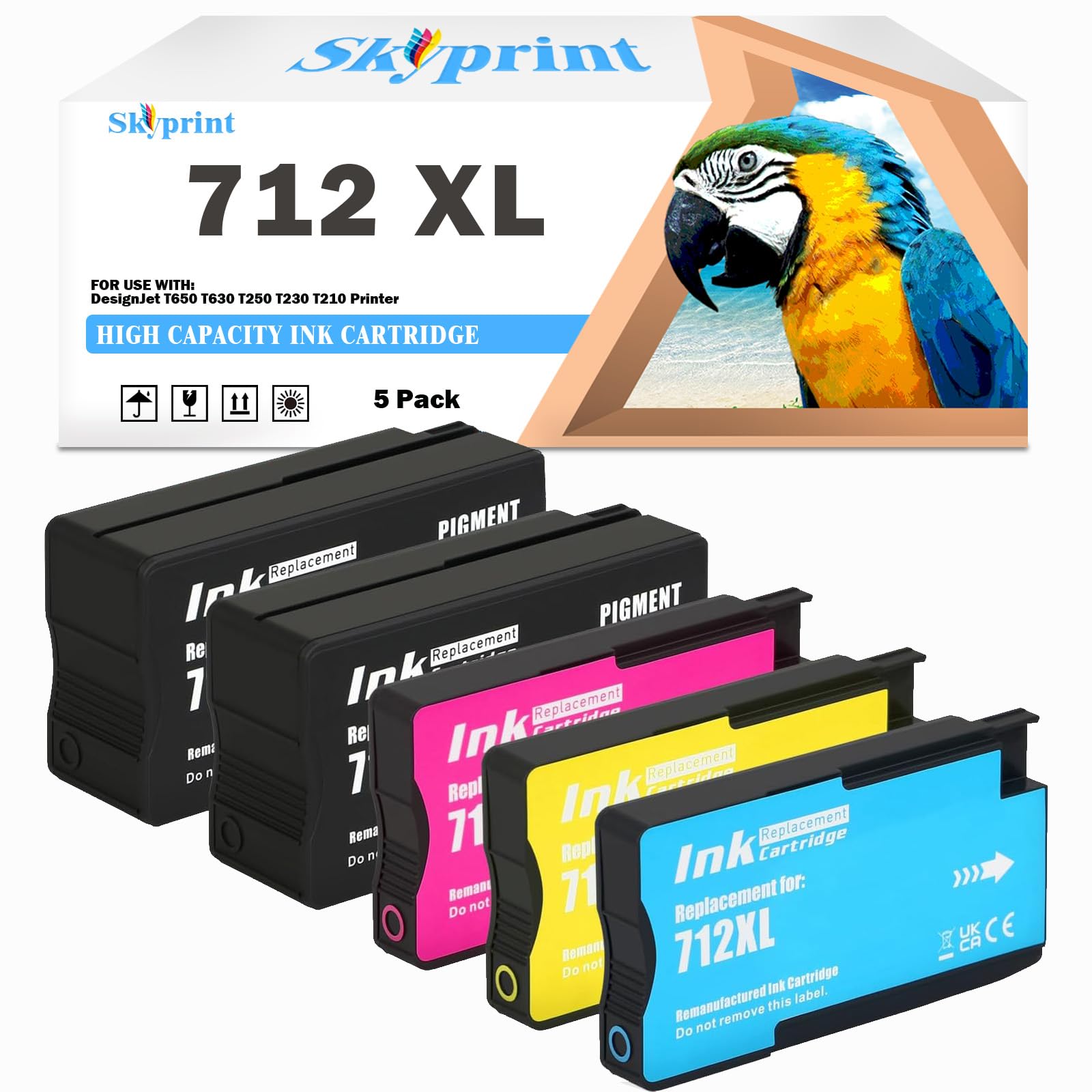
SkyPrint 712 712XL Ink Cartridges Compat... |
|
|---|---|---|---|---|
| Price | $25.95 | $18.99 | $67.95 | $79.00 |
| Brand | Bird Fiy | Luapeton | CorpKit Legal Supplies | SkyPrint |
| Merchant | Amazon | Amazon | Amazon | Amazon |
| Availability | In Stock | In Stock Scarce | In Stock | In Stock Scarce |