
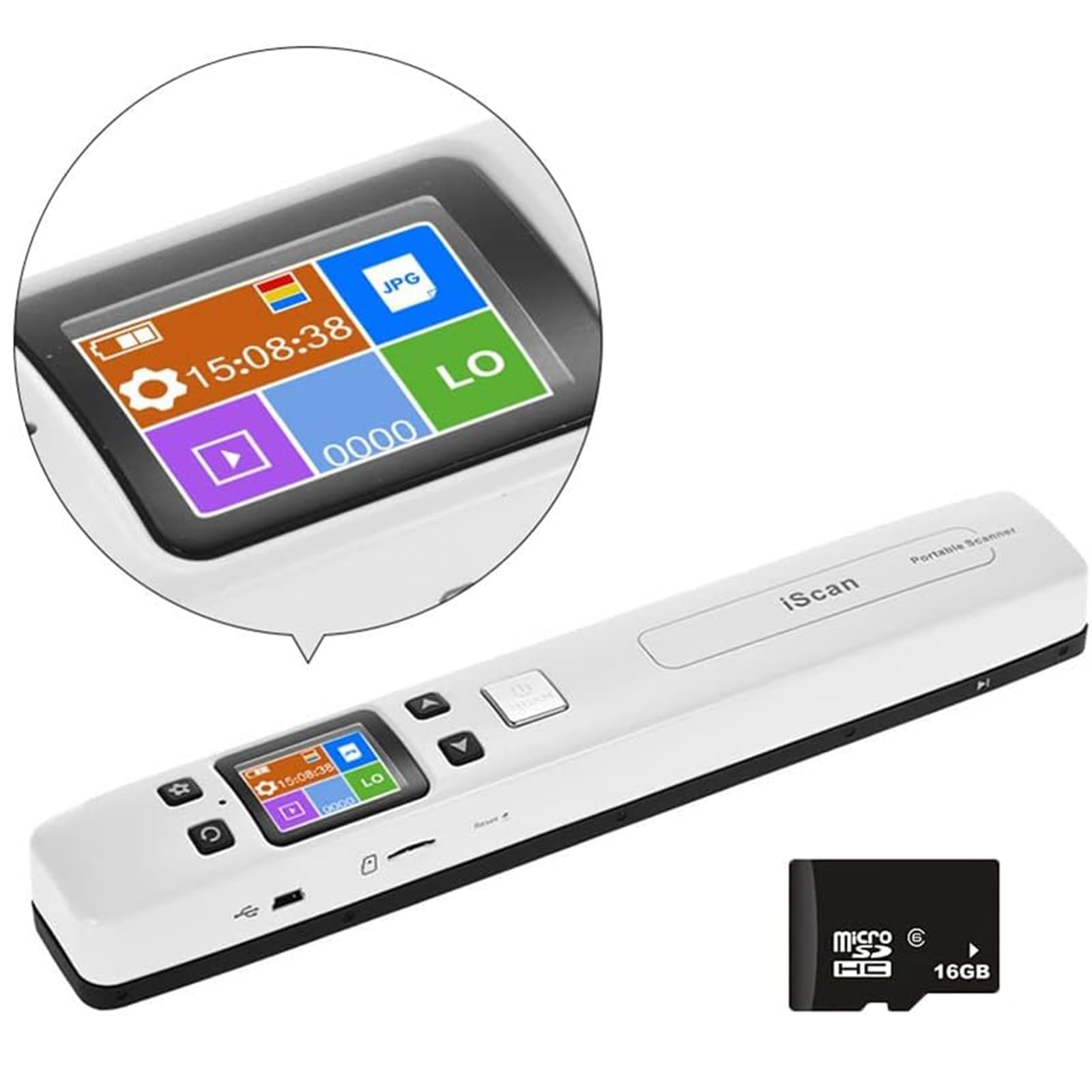
WiFi Portable Handheld Color Photo Scanner for A4 Document,Business Card,Books, Receipt,Pictures up to 1050 DPI,Connect Computer Via Built-in WiFi/USB
$99.99
| Brand | GZGYNADAST |
| Merchant | Amazon |
| Category | Office Supplies |
| Availability | In Stock Scarce |
| SKU | B0DP633896 |
| Age Group | ADULT |
| Condition | NEW |
| Gender | UNISEX |
About this item
WiFi Portable Handheld Color Photo Scanner for A4 Document,Business Card,Books, Receipt,Pictures up to 1050 DPI,Connect Computer Via Built-in WiFi/USB
【How to use the Portable Scanner】 1. Charge the scanner like a phone first(USB included), then long-press the "SCAN" button for 2s to start the scanner and choose HI resolution. 2. Take some time practicing scanning to get the hang of scan speed. 3. Vertical scan your target on a flat desk at a steady speed. 4. Connect your devices to the scanner's built-in WIFI to download the images. 【Some details of the Portable Scanner】WITH 16G SD card, Length: 9.5". Weight: 0.44lbs. Functions: Flat scan, preview images, built-in Wi-Fi, chargeable power, auxiliary pulley. USB cable, user manual, and small bag.built-in battery 【What is a Portable Scanner】 Portable Scanner, a handheld flat scanner, is designed to scan documents, photos, magazines, homework, drafts, manuscripts, and other scan targets. Compared to a feeding scanner, this portable scanner can scan targets independently without connecting to any devices and protect targets to the greatest extent. Compared to desktop scanning, portable scanners can be carried around and uploaded with the built-in Wi-Fi capability. 【Some advantages & tips】1. Portable Scanner can convert your paper targets into digital files in high clarity(300-1050 dpi) within 5 seconds. 2. 16G SD card will store thousands of files. WITH 16G SD card 3. The scanner is compatible with Android, iOS, Mac, Windows 7/8/10/XP, and Linux systems (for file transmission). 4. Attention, it is a built-in Wi-Fi and not to connect to our home Wi-Fi. 【What will a scanner help us with 】 Portable scanner can help us digitize different sizes of photos. 【How to use the Portable Scanner】 1. Charge the scanner like a phone first(USB included), then long-press the "SCAN" button for 2s to start the scanner and choose HI resolution. 2. Take some time practicing scanning to get the hang of scan speed. 3. Vertical scan your target on a flat desk at a steady speed. 4. Connect your devices to the scanner's built-in WIFI to download the images.
| Brand | GZGYNADAST |
| Merchant | Amazon |
| Category | Office Supplies |
| Availability | In Stock Scarce |
| SKU | B0DP633896 |
| Age Group | ADULT |
| Condition | NEW |
| Gender | UNISEX |
Similar Products




Compare with similar items
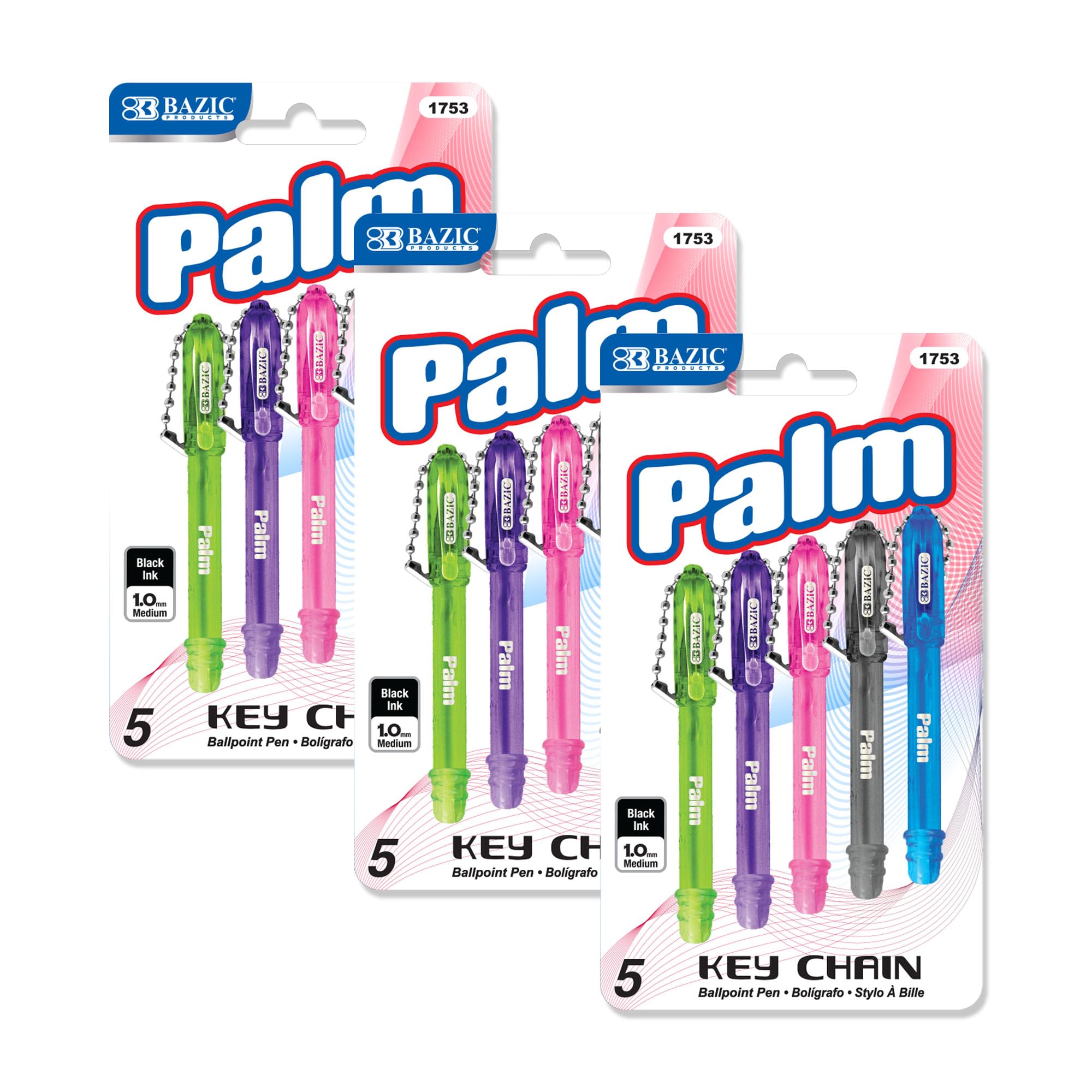
BAZIC Products Mini Ballpoint Pen, 1.0 m... |
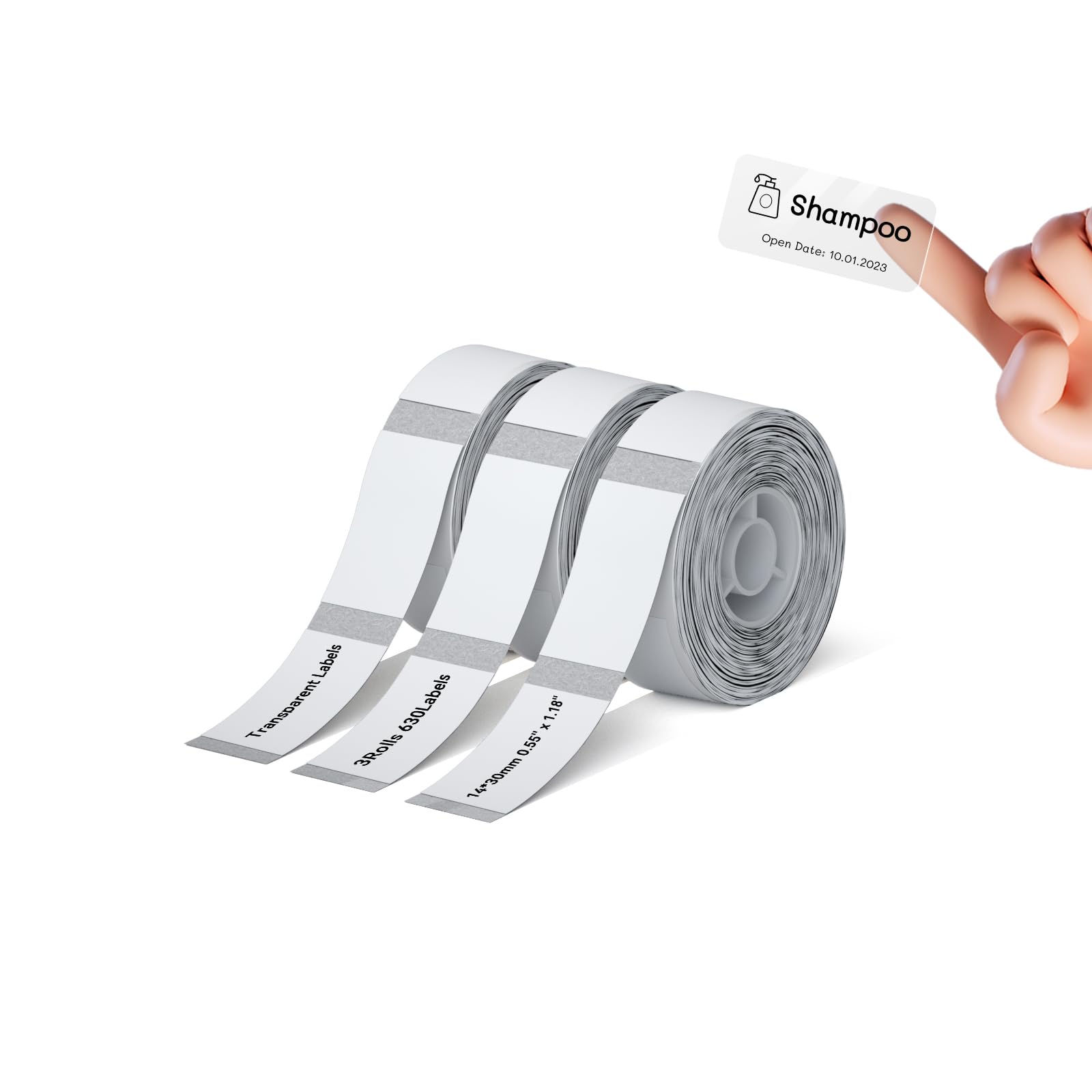
NIIMBOT D110 Label Maker Tape Adhesive C... |
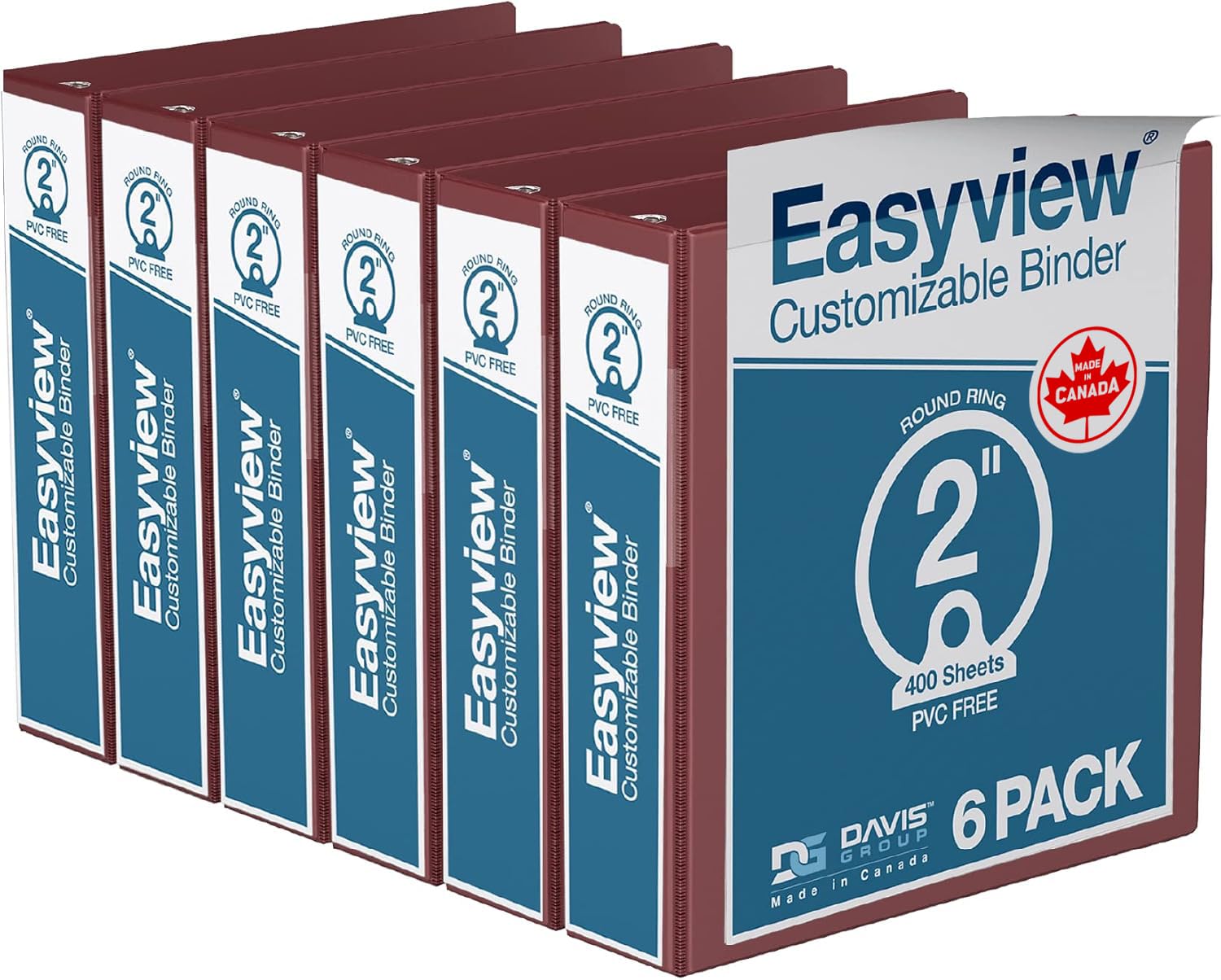
Easyview Premium 3-Ring Binders with Cle... |

Smiley Face (Yellow) - Retractable Badge... |
|
|---|---|---|---|---|
| Price | $9.99 | $15.99 | $42.49 | $8.49 |
| Brand | BAZIC PRODUCTS | NIIMBOT | Davis Group | Good Girl Gone Badge |
| Merchant | Amazon | Amazon | Amazon | Amazon |
| Availability | In Stock | In Stock | In Stock Scarce | In Stock |