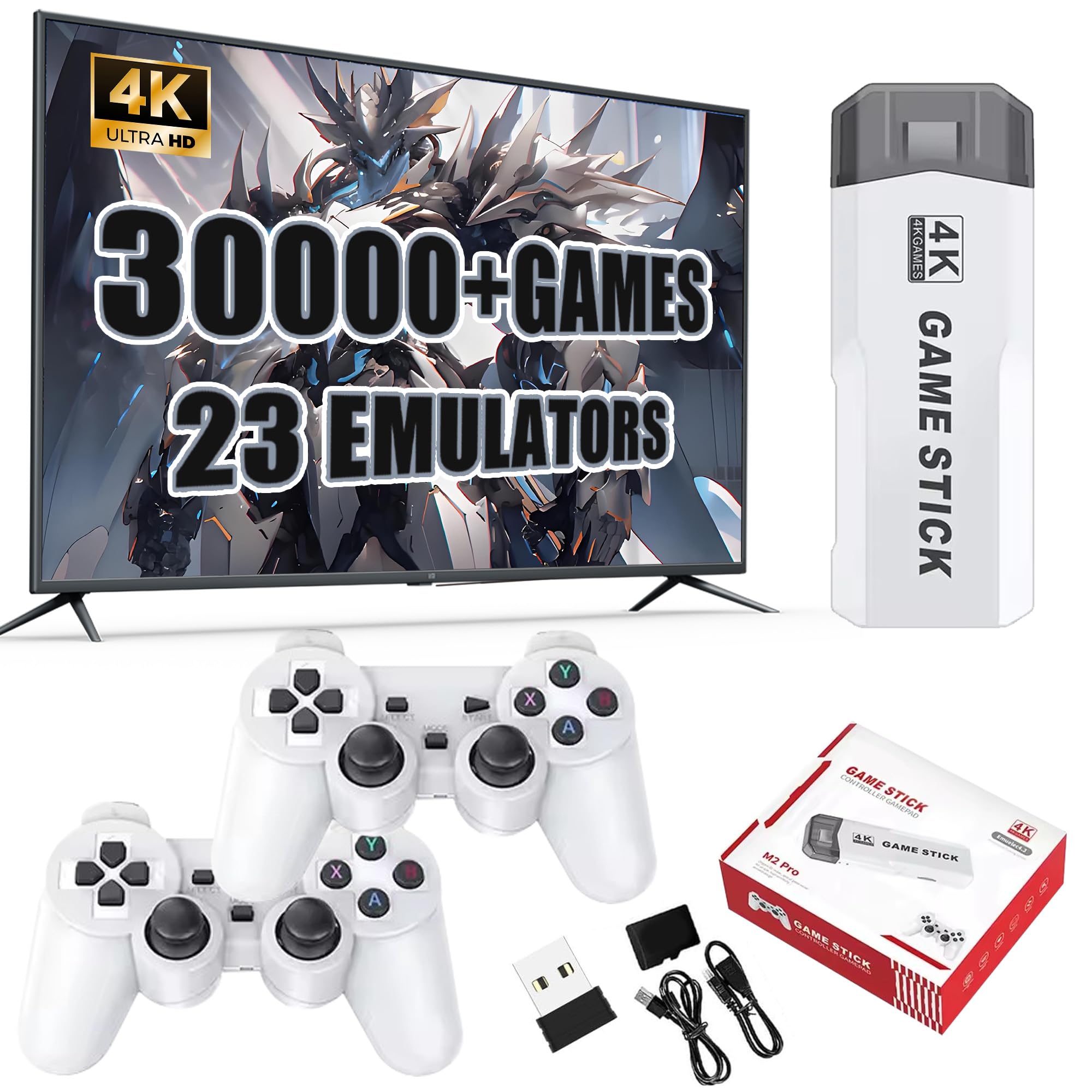
M2 Retro Game Stick Video Game Console Built-in 30000+ Games 23 Emulators,4K HDMI Output,with Dual 2.4G Wireless Controllers,Plug and Play,Arcade 3D
$47.77
| Brand | XIXIMENG |
| Merchant | Amazon |
| Category | Toys |
| Availability | In Stock |
| SKU | B0DT3TV1VW |
| Color | 128g |
| Age Group | ADULT |
| Condition | NEW |
| Gender | UNISEX |
| Material | Plastic |
| Google Product Category | Toys & Games > Toys |
| Product Type | Toys & Games > Kids' Electronics > Plug & Play Video Games |
About this item
M2 Retro Game Stick Video Game Console Built-in 30000+ Games 23 Emulators,4K HDMI Output,with Dual 2.4G Wireless Controllers,Plug and Play,Arcade 3D
【4K HDMI Game Experience】This 4k game stick 2025 featuring 4K HDMI output with extended HDMI cable and anti-interference technology to ensure uninterrupted gaming, HD output suitable for different monitors, can be connected to TV/computer/TV set-top Box /PC/Laptop/Projector, perfect to meet your high resolution and game configuration needs(please make sure your TV/screen has an HDMI input port)The retro game Console stick also support saving game progress, perfect for gaming at any time.It’s the perfect match for gamers who want to experience retro games with a modern twist 【Built-In 30000+ Classic Games & 23 Emulators】Experience the nostalgia of your favorite stick games with the retro gaming console. With over 30,000 games built-in and 23 pre-installed emulators, along with a 128GB TF card, you can enjoy a vast collection of classic games without the need to download or install anything. Simply connect it to your TV and immerse yourself in endless gaming fun 【Dual Upgraded 2.4GHz Wireless Controllers】Equipped with 2 upgraded 2.4GHz wireless controllers, featuring improved grip, stable connection, and near-zero latency, the wireless retro game consoles supports two-player gaming at home, camping, or on the go. (Note: Each controller requires 2 AAA batteries, not included) Perfect for classic and arcade games, this retro video game console is ideal for family fun 【Plug and Play Video Games for TV】Just connect the 4k wireless retro game console to the power supply, then plug it into the TV, change the TV signal source to the HD channel. Proceed as follows: 1. Connect the HD output of the TV. 2. Insert the built-in TF game card. 3. Use the charging adapter to connect to the TV. 4. The game stick will automatically turn on when the charging adapter is being connected to TV 【Ideal Gift for All Ages】The nostalgia stick game console provides hours of fun for kids and evokes fond memories of childhood for adults. It's a perfect gift for any occasion, bringing joy to children and releasing life pressure for adults. Lightweight and convenient for travel and home use, it's an ideal gift for Christmas,Halloween,Thanksgiving,Valentine's Day,birthday or any occasion to enjoy happy game time with your boyfriend,husband,father,son,family,or friends
The M2 all in one game console is an excellent gaming device that combines high - definition gaming experience, rich game resources, convenient operation, and comfortable control. It brings endless joy and nostalgic experience to players, making it an ideal choice for family entertainment and personal leisure.
Usage Method
1.Device Connection:Firstly, take out the retro game console with built in games and connect its HDMI interface with anti - interference technology to the HDMI input port of your TV, computer, TV set - top box, PC, laptop, or projector using the included extended HDMI cable. Ensure a secure connection. The TV or other display device should have an HDMI input port.
2.Insert the Memory Card:Insert the built - in 128GB TF game memory card into the card slot of the retro stick. This card has been pre - installed with over 30,000 classic games and more than 20 emulators, eliminating the need for additional downloads and installations.
3.Power On:Connect the power supply using the supporting charging adapter, and the game emulator will turn on automatically. Please note that each of the two upgraded 2.4GHz wireless controllers requires 2 AAA batteries (batteries are not included in the package). Prepare the batteries by yourself before use.
4.Select Games:Turn on the display device and switch to the corresponding HDMI signal source. You will then see the game main interface. Use the wireless controller to select your favorite games and start playing. If you want to save the game progress, the game stick 4k supports this function, allowing you to continue the game at any time.
II. User Experience
When you first use the HDMI game stick with two controllers, you'll be impressed by its 4K HDMI high - definition gaming experience. The anti - interference technology ensures a stable picture during the game without interruption. It can be easily adapted to different devices, whether you want to enjoy the shocking visuals on a large - screen TV or play games anytime, anywhere on a laptop.
The extensive game library makes you feel like you're in a sea of games. With over 30,000 classic games available, you can play different games every day. The wireless controllers have been upgraded with a comfortable grip, stable connection, and almost zero latency. Whether it's an intense two - player battle or an immersive single - player adventure, it can bring a smooth and responsive operation experience. Whether at a family gathering or outdoor camping, the portable retro game console can be a source of joy, creating won
| Brand | XIXIMENG |
| Merchant | Amazon |
| Category | Toys |
| Availability | In Stock |
| SKU | B0DT3TV1VW |
| Color | 128g |
| Age Group | ADULT |
| Condition | NEW |
| Gender | UNISEX |
| Material | Plastic |
| Google Product Category | Toys & Games > Toys |
| Product Type | Toys & Games > Kids' Electronics > Plug & Play Video Games |
Similar Products








Compare with similar items
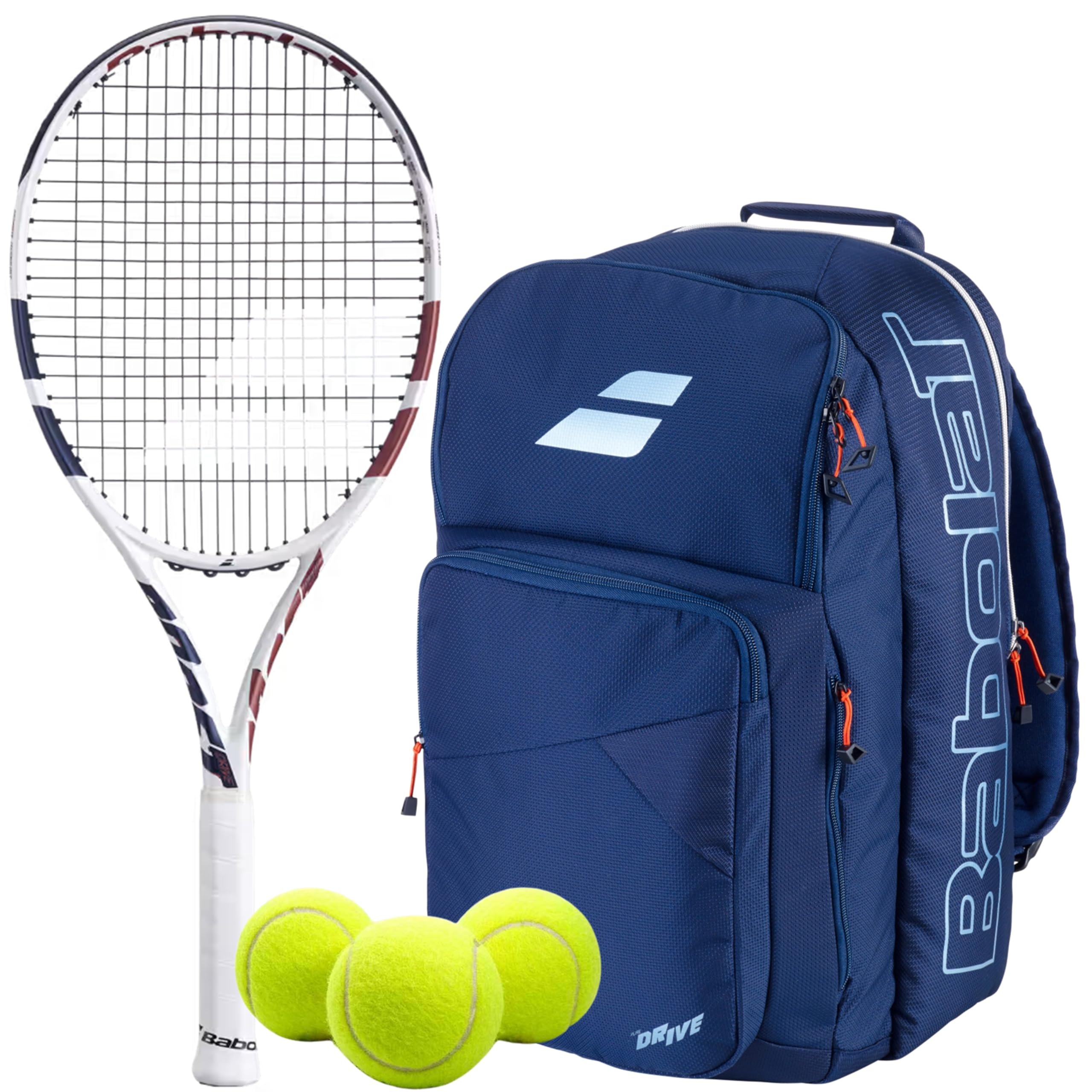
Babolat Boost Drive Strung Tennis Racque... |
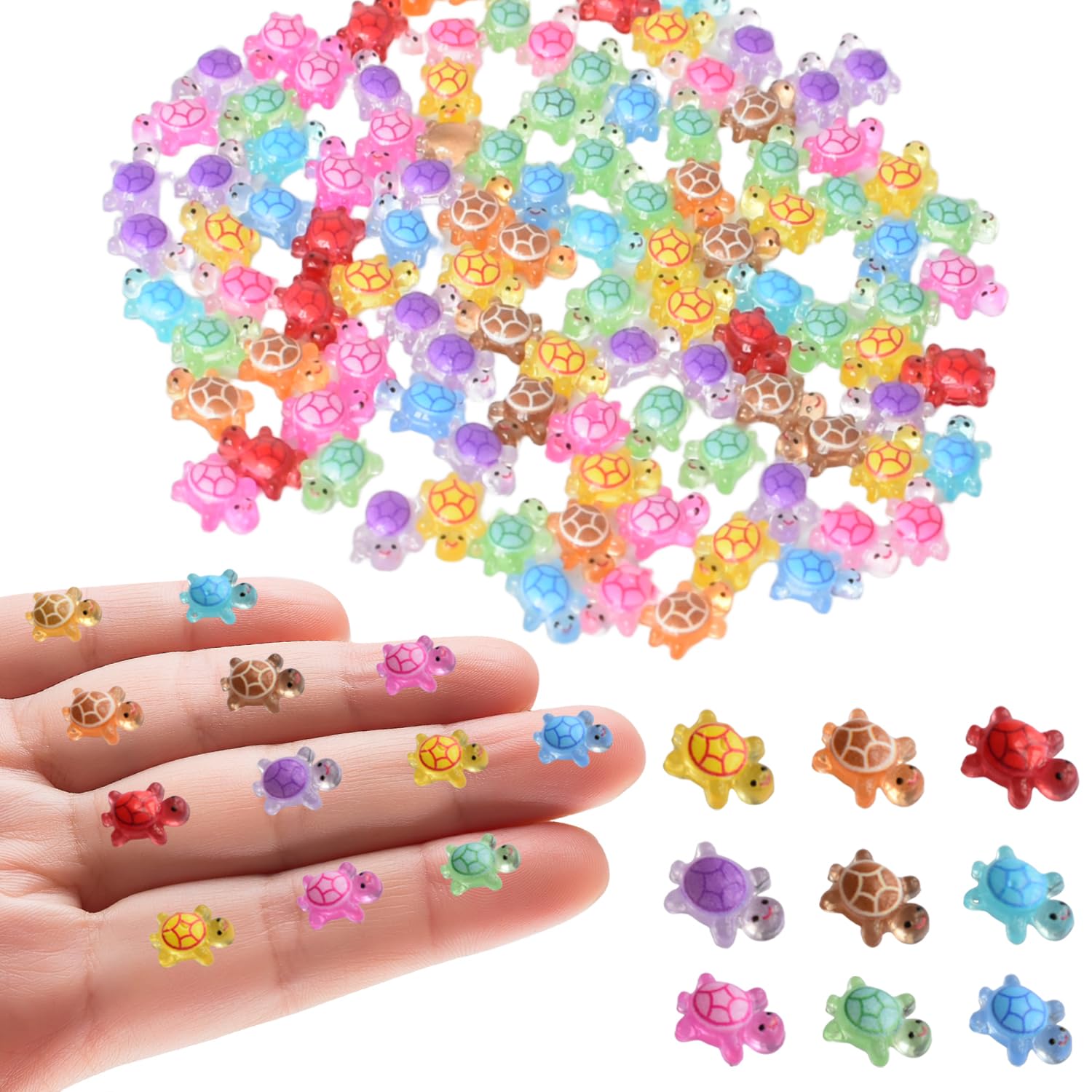
Tindobewan 200Pcs Super Mini Resin Turtl... |

Cute Bunny Plush Toy For Kids, Soft And ... |
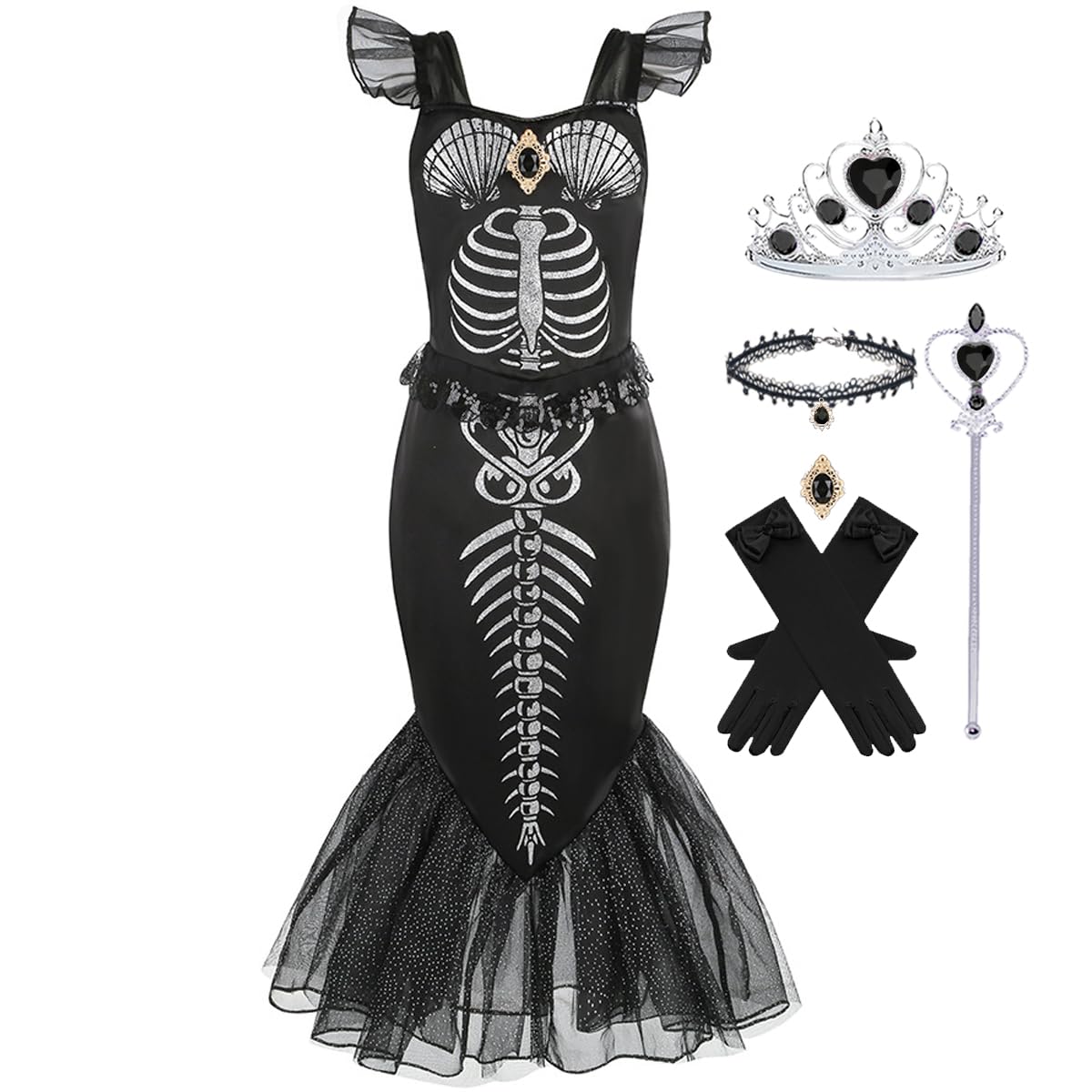
Luzlen Girls Mermaid Skeleton Costume Ki... |
|
|---|---|---|---|---|
| Price | $119.00 | $4.99 | $44.97 | $19.99 |
| Brand | Babolat | Tindobewan | Uplift Essentials | Luzlen |
| Merchant | Amazon | Amazon | Inspire Uplift | Amazon |
| Availability | In Stock | In Stock | In Stock | In Stock |